Quick tipHow toSales Hub

How HubSpot's calendar sync works with Google or Outlook

One calendar provider, primary calendar only.

Subscription
All tiers
Permissions
Your own user
Time
3 min · Beginner
Last verified

Short answer

HubSpot's KB: calendar sync only uses the user's primary calendar, and you can connect Google or Outlook, not both. Events created before you connect won't sync. Deleting a meeting in HubSpot doesn't remove the calendar event.

1. The setting

Calendar preferences in my demo portal, not connected.
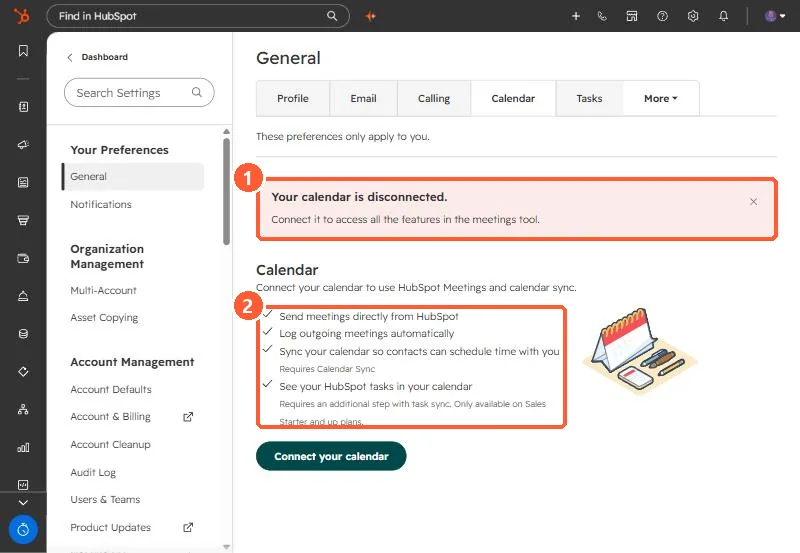
Calendar settings showing Your calendar is disconnected and a list of what connecting enables
The disconnected warning (1) and what connecting enables (2).

2. Keep meetings out

To stop some meetings logging, see the never log list.

3. Related

Recurring meetings not logging.

Sources

New field notes by email

One email when a new article publishes.

Still stuck?

If this did not fix it, the problem is probably specific to your setup. Book a call and we will look at it together.

Book a call with Sam