Short answer
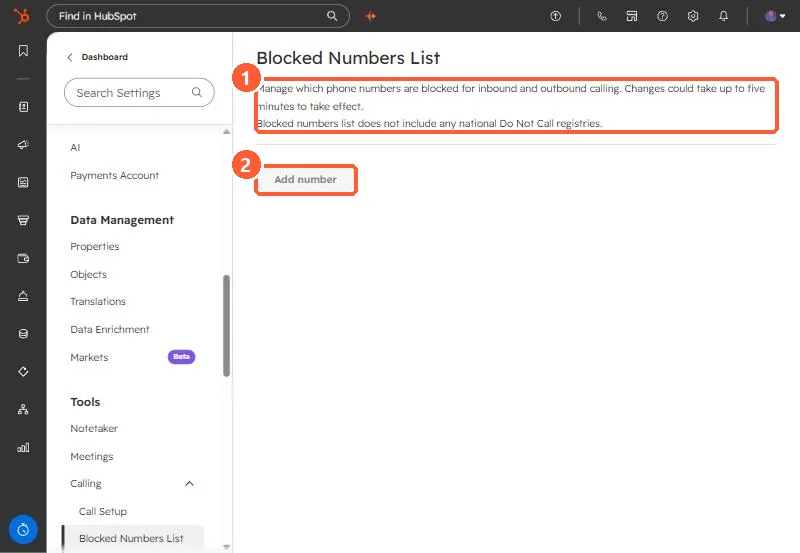
In Settings, Calling, Blocked Numbers List, click Add number, choose the country, and enter the number. The page says it blocks the number for inbound and outbound calling, changes can take up to five minutes, and the list does not include any national Do Not Call registries. Remove a number by hovering and clicking Remove.
1. The list
Open Blocked Numbers List.
2. What it does and does not do
- Blocks the number for inbound and outbound calls made through HubSpot calling.
- Changes can take up to five minutes.
- It is not a Do Not Call registry check. Your own compliance process still applies.
- Calls placed outside HubSpot are not affected.
Calling has other settings under Call Setup, including requiring a call outcome. See call and meeting outcomes.