Short answer
HubSpot's ads tool connects Meta, Google, LinkedIn, Microsoft and TikTok ad accounts, and HubSpot's KB also covers ChatGPT Ads. You need the Ads publishing permission. When you connect, auto-tracking is on by default and adds UTM parameters to your ad URLs so HubSpot can attribute contacts and deals to campaigns. Once connected, HubSpot shows and reports on existing campaigns in that account.
1. Connect
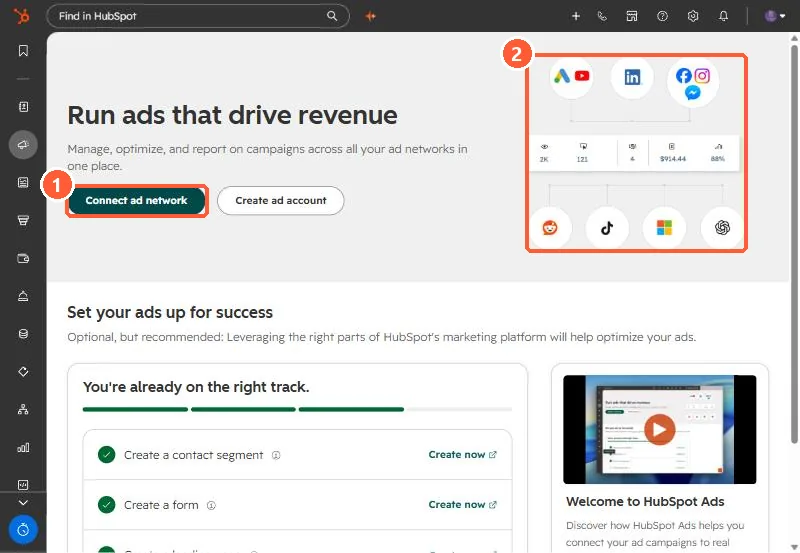
Open Ads. With nothing connected, my demo portal shows Connect ad network and Create ad account.
2. Auto-tracking
Auto-tracking appends UTM parameters to ad URLs. Without it, ad clicks still reach your site but HubSpot cannot tie them to the ad campaign. If you already tag ads by hand, check the two do not conflict.
3. After connecting
- Select which pages or accounts to sync leads from, and install pixels for the networks you use.
- Manage connected accounts and primary users under Settings > Marketing > Ads.
- Ad campaigns can be added to HubSpot campaigns as assets.