Short answer
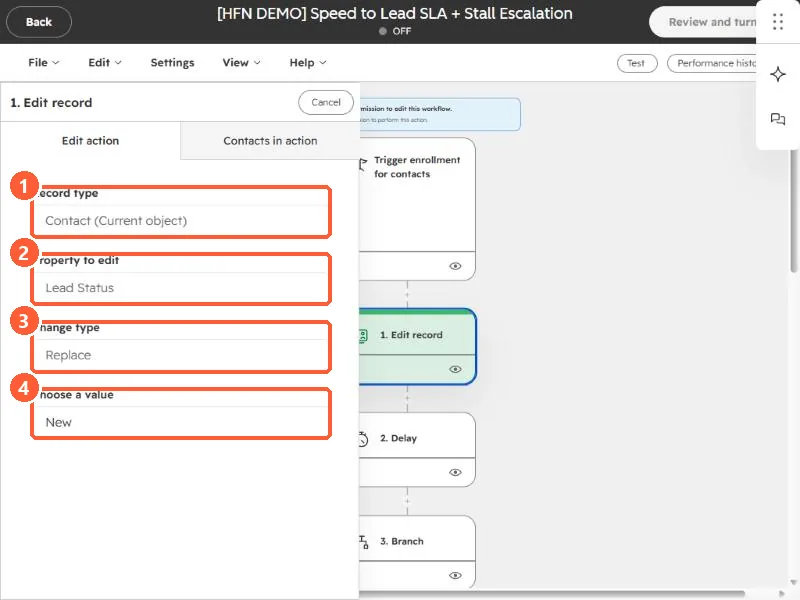
HubSpot's KB: the Edit record action only lists target properties whose field type is compatible with the source. A checkbox source can't copy into a dropdown. If the target select is missing values found in the source, they're mismatched; add the missing options. Read-only, calculation and rollup properties can be sources but not targets.
1. In HubSpot
The relevant screen in my demo portal.
2. Worth knowing
To copy mismatched properties, edit the source or target so each contains all the other's values.