Short answer
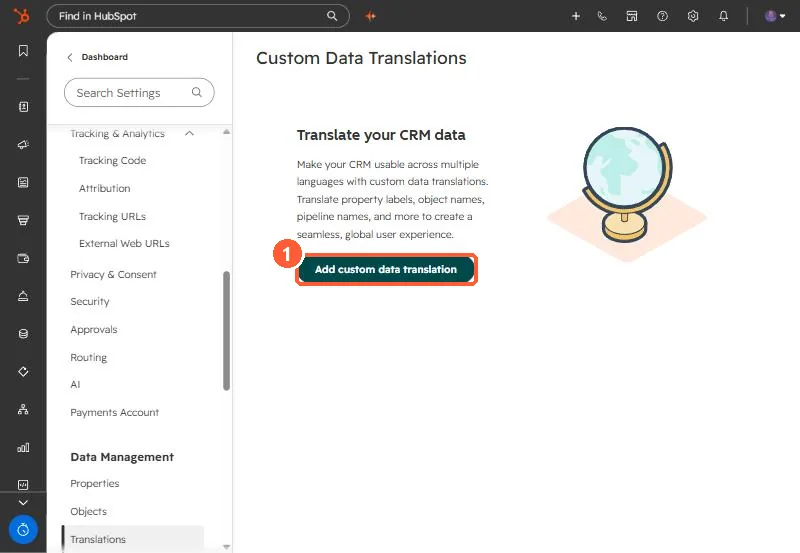
Settings, Data Management, Translations lets you translate custom properties, custom pipelines and stages, custom association labels and custom object labels. Default properties are already translated and cannot be overridden. You add a language, export a file, fill in translations, import it, and turn the language on. Users then see translations if they use HubSpot in that language, but people editing property labels see the original values.
1. Start
2. What translates
- Custom properties and their options.
- Custom pipelines and pipeline stages.
- Custom association labels and custom object labels.
- Not default properties, which HubSpot already translates.
3. Who sees it
Translations show to users whose HubSpot language matches. Admins editing a property see the source values, so keep the translation file next to your property documentation. Exports with translated headers translate default column headers only, not values.