Short answer
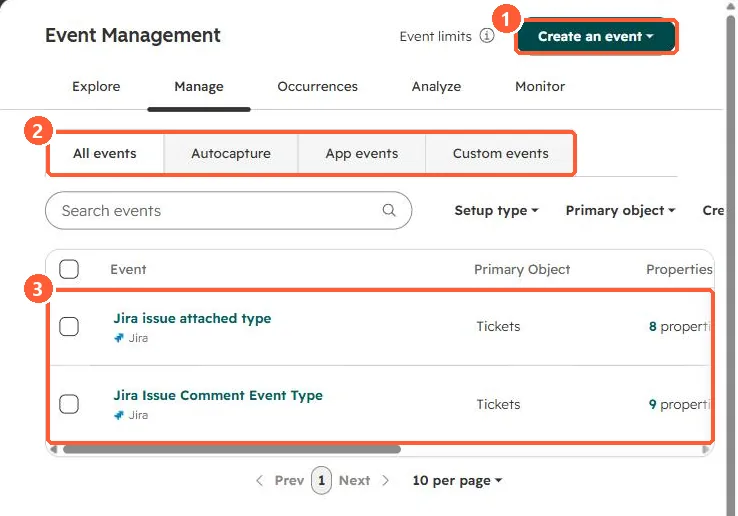
Event Management lists autocapture, app and custom events. Click Create an event to define one, then send occurrences with HubSpot's JavaScript or HTTP API; the event's fully qualified name (such as pe1234567_trial_started) is what you send. HubSpot's KB says that from August 1, 2025, legacy behavioral events can no longer be created or receive new data, so recreate them as custom events.
1. Event Management
In my demo portal the list has two Jira app events on tickets.
2. Send an occurrence
POST https://api.hubapi.com/events/v3/send
{
  "eventName": "pe1234567_trial_started",
  "email": "user@example.com",
  "properties": { "plan": "pro" }
}
The event name shown is a placeholder; copy the real fully qualified name from the event's details.
3. Related
Click tracking with custom events.