Short answer
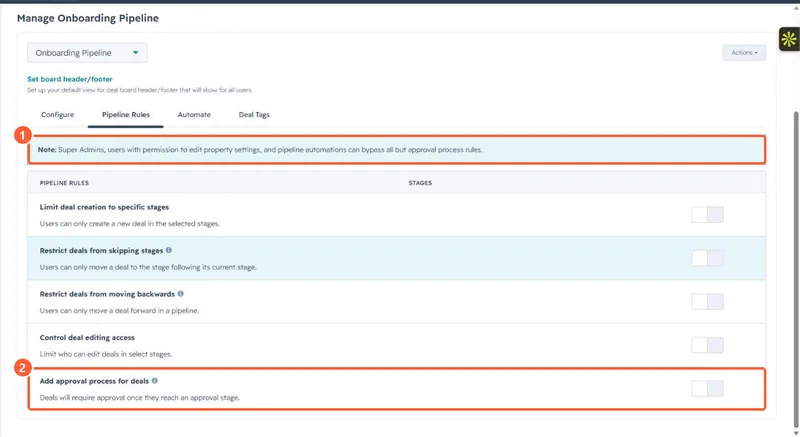
With Sales Hub Enterprise, the pipeline's Pipeline Rules tab has Add approval process for deals. Deals that enter the approval stage need approval before they can move on. The process will not start if the deal has no owner, if the owner is a required approver, or if an approver lost permission or was deactivated. Moving straight to closed lost skips it. Turning approvals off cancels every pending approval and cannot be undone.
1. Where to switch it on
The note at the top of the tab in my demo portal says Super Admins, users who can edit property settings, and pipeline automations can bypass all rules except approvals.
2. How a deal gets approved
- The deal is moved into the approval stage by hand, by API or by a workflow.
- Approvers get a request, and the deal shows a status such as Pending approval on its board card and in the Latest approval status column.
- If the deal does not meet the approval conditions, its status is Approval not needed and it can move on.
3. Before you turn it on or off
- Deals already sitting in the stage when you configure it are not caught.
- Give every deal an owner, or approvals never start.
- Turning it off makes the approval stage a normal stage and cancels all approvals. To bring approvals back you set up a new approval stage. Other rules are covered in deal pipeline rules.