Quick tipDeveloperMarketing Hub

Find a form's GUID

In the embed code or editor URL.

Subscription
All tiers
Permissions
Edit forms
Time
2 min · Beginner
Last verified

Short answer

HubSpot's KB: the GUID is required for the Forms API. In the updated editor it's the data-form-id value in the embed code; in legacy forms it's formId. It also appears in the editor's page URL.

1. In HubSpot

The relevant screen in my demo portal.
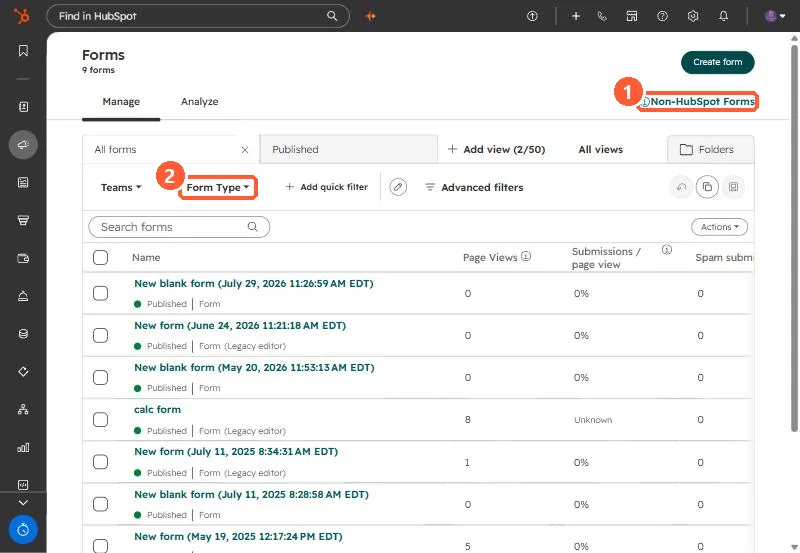
Forms index with a Non-HubSpot Forms link and Form Type filter
Non-HubSpot Forms (1) and the Form Type filter (2).

2. Worth knowing

Store GUIDs with your integration config so forms aren't mixed up.

3. Related

Forms submission API and reading submissions.

Sources

New field notes by email

One email when a new article publishes.

Still stuck?

If this did not fix it, the problem is probably specific to your setup. Book a call and we will look at it together.

Book a call with Sam