Quick tipHow toService HubSales Hub

Use HubSpot with Google Chat

Notifications, inbox and help desk in Google Chat.

Subscription
Check app requirements
Permissions
Super Admin or App Marketplace for all users
Time
2 min · Intermediate
Last verified

Short answer

HubSpot's KB: the Google Chat app manages notifications, connects Google Chat to your inbox or help desk, and previews links for contacts, companies, deals, tickets, emails, blog posts, dashboards and reports. Setting it up for all users needs Super Admin or App Marketplace permission plus Google admin rights.

1. In HubSpot

The relevant screen in my demo portal.
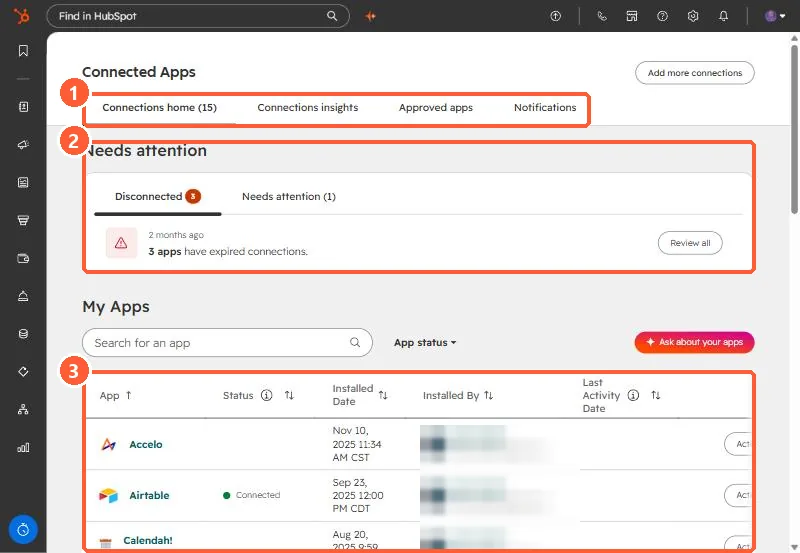
Connected Apps page with the tabs, the Needs attention section, and the My Apps table highlighted
Tabs (1), Needs attention (2), and My Apps (3).

2. Worth knowing

If setup loops, the KB suggests asking your Google admin.

3. Related

Slack.

Sources

New field notes by email

One email when a new article publishes.

Still stuck?

If this did not fix it, the problem is probably specific to your setup. Book a call and we will look at it together.

Book a call with Sam