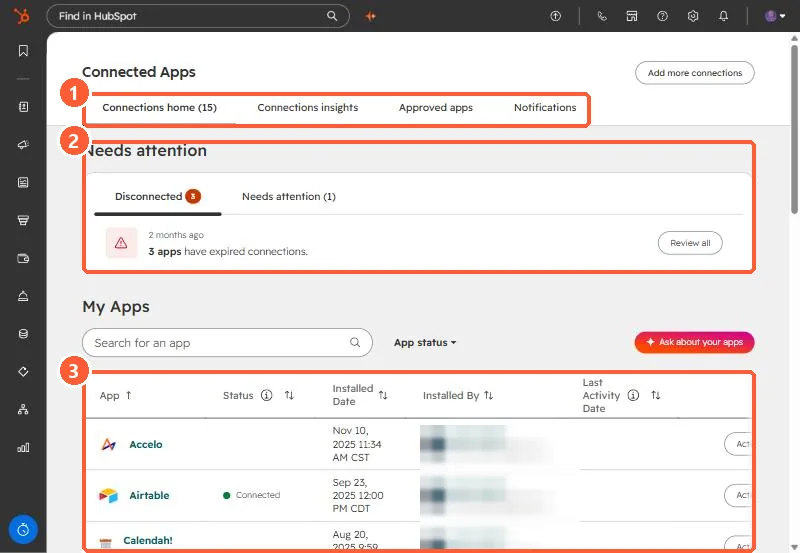
Short answer HubSpot's KB: Google Drive is an account-level app, but each user connects their own Google Workspace account. Users can only attach files their Google user can access. 1. In HubSpot The relevant screen in my demo portal. Tabs (1), Needs attention (2), and My Apps (3). 2. Worth knowing Sharing still follows Google Drive permissions. 3. Related SharePoint and OneDrive. Sources HubSpot Community question: How do I sync HubSpot form attachments to Google Drive in HubSpot? HubSpot Knowledge Base: Connect Google Drive to HubSpot