Quick tipFix itMarketing Hub

HubSpot form not working in WordPress

WordPress can alter the embed code.

Subscription
All tiers
Permissions
Forms access
Time
2 min · Intermediate
Last verified

Short answer

HubSpot's KB: if the form fails or the embed code changes on the live page, insert it with a plugin. Extra CSS may be needed for responsiveness. If non-HubSpot form data doesn't arrive, another plugin may conflict. The article covers legacy forms only.

1. In HubSpot

The relevant screen in my demo portal.
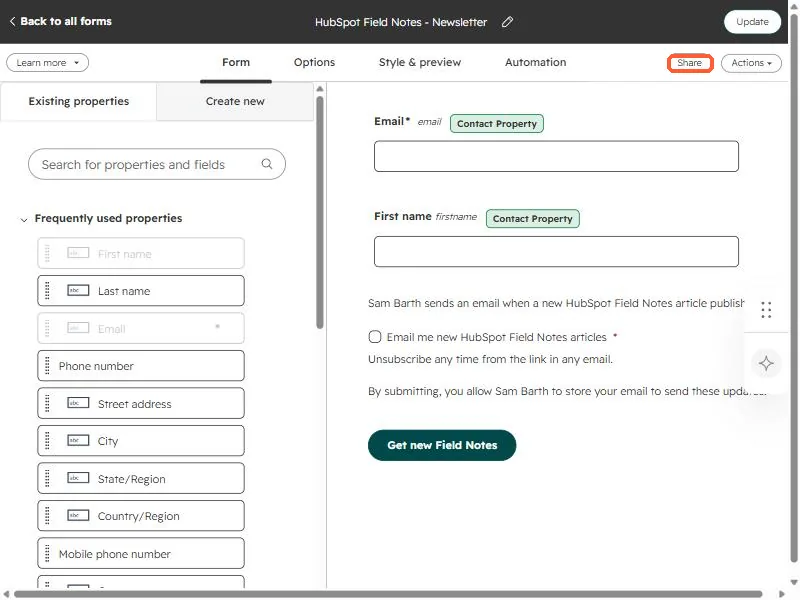
HubSpot form editor showing an email field, a first name field, a consent checkbox, and the Share button highlighted
The form editor with the Share button (top right) highlighted.

2. Worth knowing

Check the KB for current options for forms built in the updated editor.

3. Related

HubSpot WordPress plugin.

Sources

New field notes by email

One email when a new article publishes.

Still stuck?

If this did not fix it, the problem is probably specific to your setup. Book a call and we will look at it together.

Book a call with Sam