Short answer
A HubSpot lead is its own record associated with a contact or company, with a default pipeline of New, Attempting, Connected, Qualified and Disqualified. Create leads by selecting contacts and clicking Create leads, or from the leads index. Actions such as emailing a New lead move it to Attempting. Pipeline automation can move leads to the next stage or create a follow-up lead.
1. The index
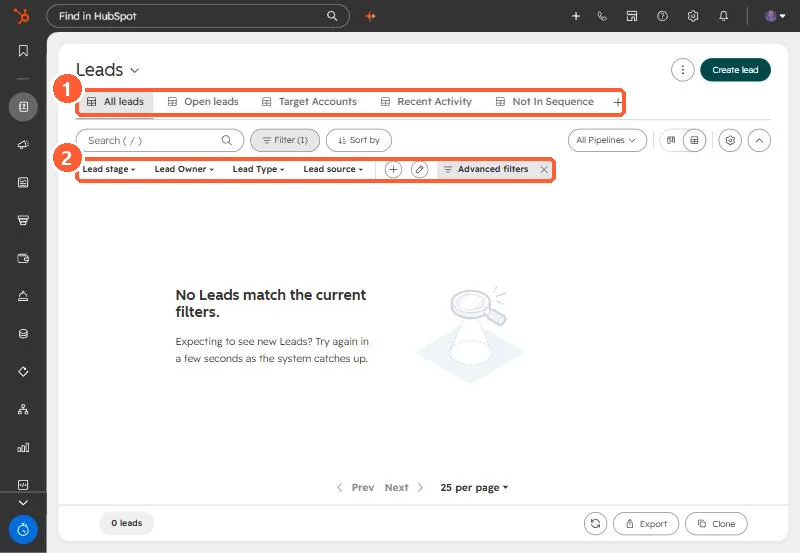
My demo portal has no leads yet, but shows the default views: All leads, Open leads, Target Accounts, Recent Activity and Not In Sequence.
2. Leads versus lifecycle stage
Lifecycle stage describes the contact or company. A lead record describes one sales attempt. One contact can have a new lead later after an earlier one was disqualified. Lead owner defaults to the primary contact's owner, then the company's.
3. Automation
In Settings > Objects > Leads > Pipelines > Automate, turn on moving leads to the next stage, or creating a lead for follow-up. Setting a lead to a qualified stage can prompt deal creation.