Quick tipFix itMarketing Hub

Instagram account won't connect to HubSpot

Professional account linked to a Facebook page.

Subscription
All tiers
Permissions
Social account access
Time
2 min · Intermediate
Last verified

Short answer

HubSpot's KB: only professional Instagram accounts (Business or Creator) connect, and they must be linked to a Facebook page you manage. If it still fails, disconnect and relink Instagram to the page, verify in Instagram's Sharing to Other Apps settings, then try again.

1. In HubSpot

The relevant screen in my demo portal.
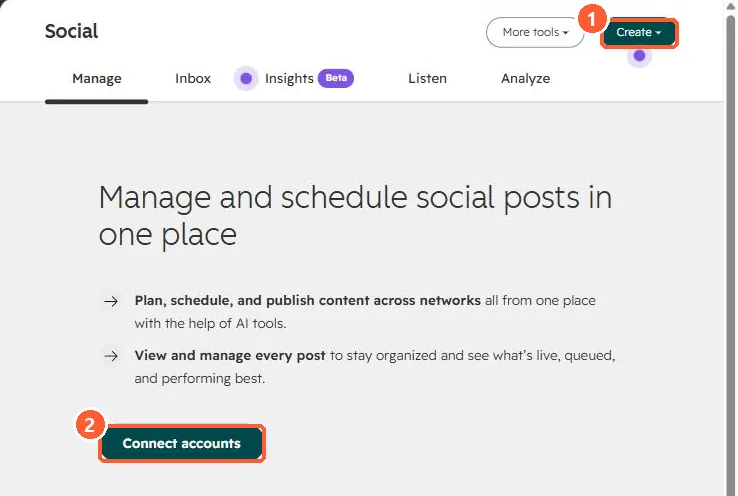
Social tool intro with Create and Connect accounts
Create (1) and Connect accounts (2).

2. Worth knowing

If the account still doesn't show, the KB says to contact HubSpot Support.

3. Related

Instagram carousels and connecting accounts.

Sources

New field notes by email

One email when a new article publishes.

Still stuck?

If this did not fix it, the problem is probably specific to your setup. Book a call and we will look at it together.

Book a call with Sam