Quick tipFix itSales Hub

Meeting availability doesn't match your calendar

Check the link settings and every connected calendar.

Subscription
All tiers
Permissions
Meetings access
Time
2 min · Intermediate
Last verified

Short answer

HubSpot's KB: check the link's time zone, availability windows, duration, buffer, minimum notice and booking limits, and look for extra connected calendars. HubSpot doesn't use Google Calendar working hours.

1. In HubSpot

The relevant screen in my demo portal.
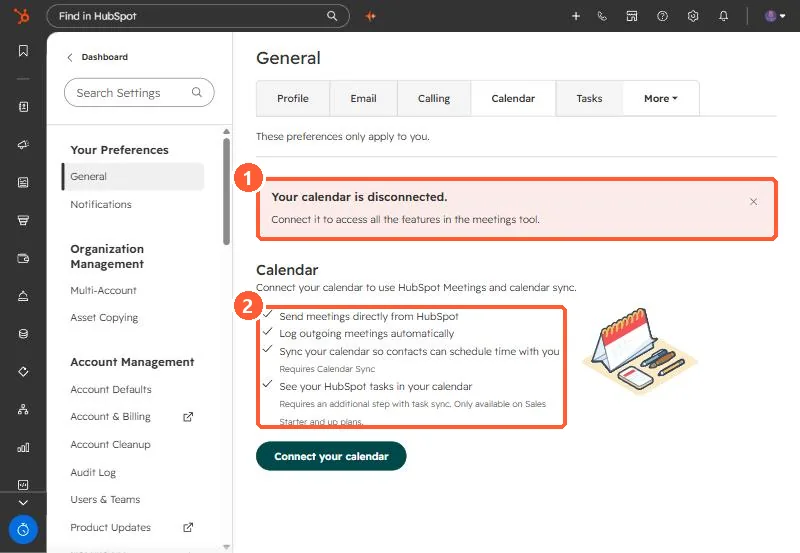
Calendar settings showing Your calendar is disconnected and a list of what connecting enables
The disconnected warning (1) and what connecting enables (2).

2. Worth knowing

With multiple HubSpot accounts, use the one where the scheduling page was created.

3. Related

Custom availability dates.

Sources

New field notes by email

One email when a new article publishes.

Still stuck?

If this did not fix it, the problem is probably specific to your setup. Book a call and we will look at it together.

Book a call with Sam