Actions, Move to landing pages (or website pages).
Subscription
Content Hub Professional or Enterprise
Permissions
Page edit access
Time
2 min · Beginner
Last verified
Short answer
HubSpot's KB: hover a page, click Actions, and choose Move to landing pages or Move to website pages, then confirm. Listed for Content Hub Professional or Enterprise.
1. In HubSpot
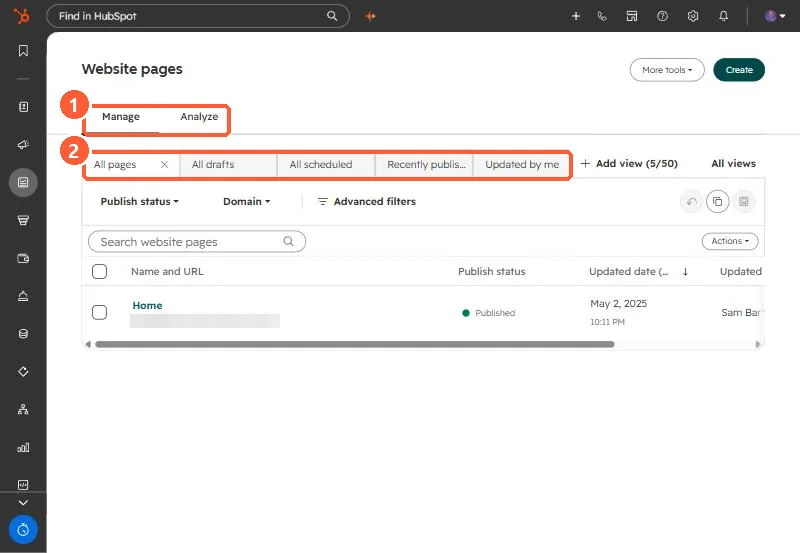
The relevant screen in my demo portal.
Manage and Analyze tabs (1) and saved views (2).
2. Worth knowing
Starter page limits apply to landing pages; see the starter limit article.