Quick tipHidden trickMarketing Hub

Send only to engaged contacts

Prioritize open rate sends to highly engaged contacts only.

Subscription
Check your subscription
Permissions
Marketing email edit
Time
2 min · Intermediate
Last verified

Short answer

HubSpot's KB: choose which engagement levels to target. Prioritize open rate sends only to highly engaged contacts. Engagement uses opens, sends since last engagement, and days since last open or click.

1. In HubSpot

The relevant screen in my demo portal.
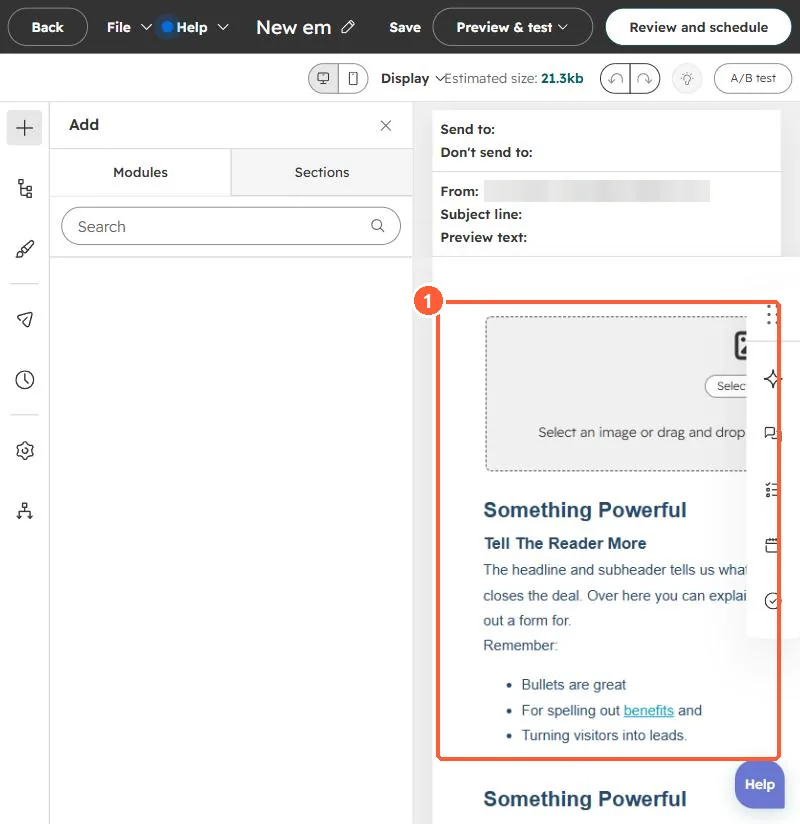
Email editor with the email body containing image and text modules
The email body (1).

2. Worth knowing

Per the KB, sending to more engaged contacts gives higher engagement.

3. Related

Segment by engagement.

Sources

New field notes by email

One email when a new article publishes.

Still stuck?

If this did not fix it, the problem is probably specific to your setup. Book a call and we will look at it together.

Book a call with Sam