Short answer
In the page editor, Settings, select Password required and enter a password, then publish. HubSpot's KB says password-protected content is not crawled by search engines but Sensitive Data on it is not encrypted. For stronger control, Content Hub Enterprise can require registration or single sign-on through private content. The password prompt uses your theme's password prompt system template.
1. Find the page
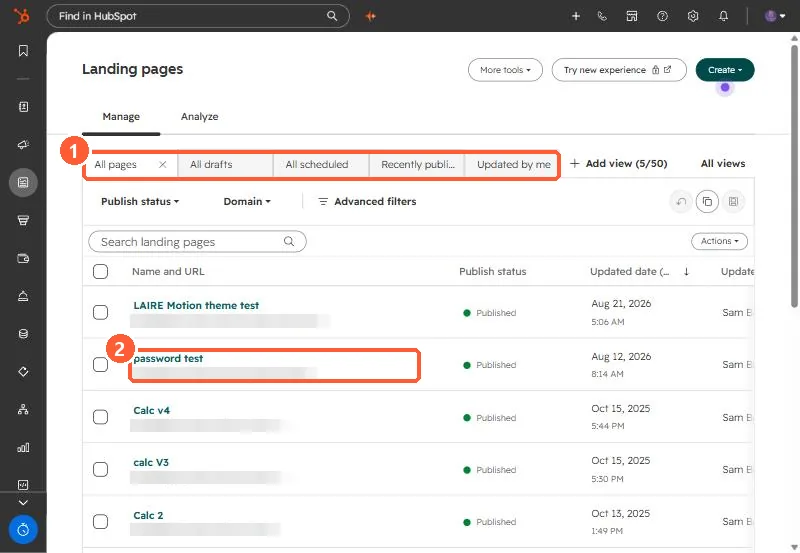
My demo portal has a published page named password test in Landing pages.
2. What it does
- Visitors must enter the password to see the content.
- Search engines do not crawl it.
- It is not encryption. Do not put regulated data on it.
3. Better options
For per-person access, Content Hub Enterprise private content requires registration or SSO. The prompt page itself comes from your theme's password_prompt_page template. See system templates.