Short answer
In HubSpot, a seat decides which tools a user can access under your subscription, and permissions decide what they can view, create, edit or delete. A permission set saves a combination of permissions you can assign to many users at once, so new reps match existing ones. Seats are managed on the Seats tab, including transferring a seat to another user.
1. Users & Teams
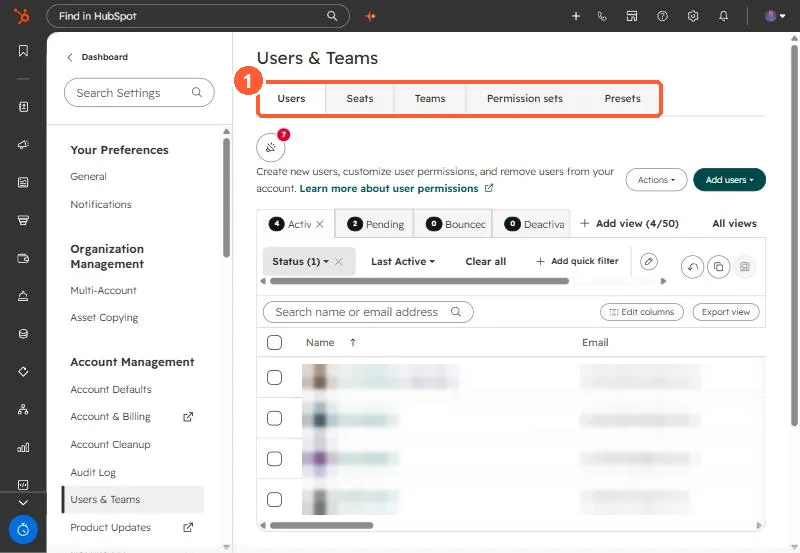
Open Users & Teams. Users, Seats, Teams, Permission sets and Presets are separate tabs.
2. Seats versus permissions
- Seat: which hub tools the user can use, from View-Only up to Sales, Service or other paid seats.
- Permissions: actions inside those tools, such as communicating only with owned contacts, or editing properties.
- Developer seats cannot be combined with other seats or Super Admin. Give developer access through the Developer tools access permission instead.
3. Permission sets
On the Permission sets tab, create a set, name it, and choose its access. To assign it, select users on the Users tab, then More > Assign Permission Set. If you provision users from an identity provider, HubSpot matches role names to permission set names.