Short answer
In Settings, Marketing, Email, the Personalization tab sets default values for contact, company, and owner property tokens across all email types. HubSpot says if no default is set, the token appears blank. Each token in an email can also have its own fallback, which overrides the global default. Pages have separate defaults under Content settings.
1. The Personalization tab
Open email personalization settings. The page says these apply to all email types.
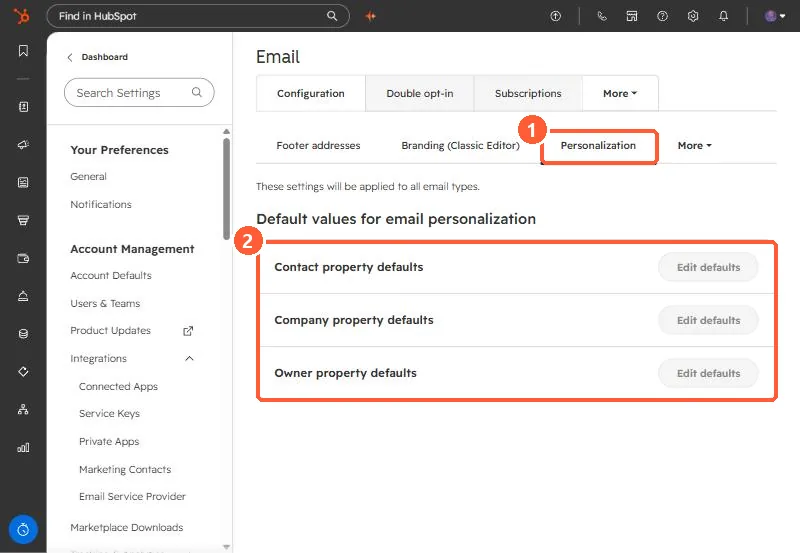
2. How defaults and fallbacks work
- Global defaults: one value per property, used whenever a contact has no value.
- Fallbacks per token: set when inserting a token in an email. They override the global default for that email, which helps with other languages.
- HubSpot notes that tokens in marketing emails must have a fallback value.
- Company tokens use the contact's primary company only.
For tokens in sales templates, see sales email templates.