Short answer
HubSpot goals track progress toward a target for users or teams. Sales goals come from templates. Custom goals can use hundreds of property and aggregation combinations, with a limit of 1,000 custom goals per account. Contributors can be individual users, teams only, or teams with user targets. If someone is on more than one team, their target counts toward only one, and their primary team if they have one.
1. Start
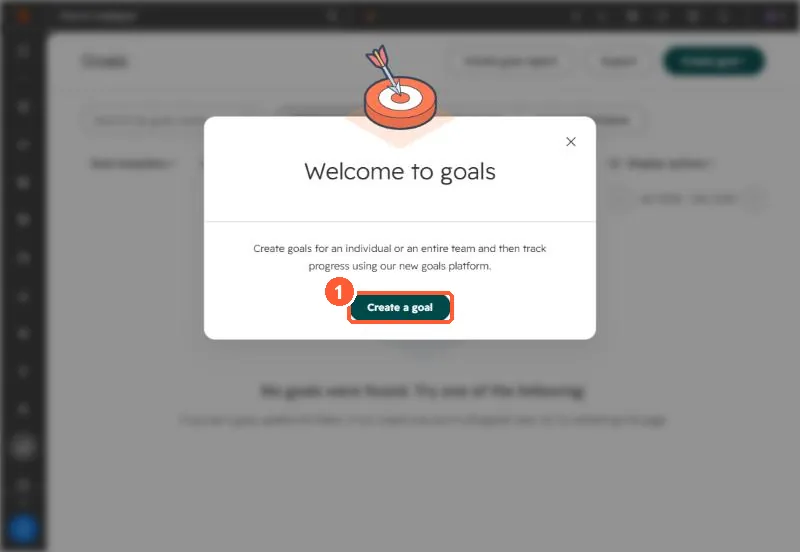
Open Reporting > Goals. My demo portal has none yet, so HubSpot shows a welcome dialog.
2. Contributors
- Individual users: user targets, no team rollup.
- Team goals only: one target per team.
- Teams with individual user targets: both, so you can see each person inside the team.
Custom goals can credit any user property on the record through the Goal owner property, which helps when several people work a deal.
3. The rules that catch people
- Up to 1,000 custom goals per account.
- A user on several teams counts toward one team's target. If they have a primary team, it is that one.
- Filter the overview by goal template, team or user to check targets before the period starts.