Quick tipHow toSales HubData Hub

Salesforce sync rules: two-way, prefer Salesforce, or don't sync

Each mapping has its own rule. Pick it per field.

Subscription
Professional or Enterprise
Permissions
Super Admin or App Marketplace access
Time
5 min · Advanced
Last verified

Short answer

HubSpot's KB lists the update rules: Prefer Salesforce unless blank, Always use Salesforce, Two-way and Don't sync. Standard mappings can't be deleted, only set to Don't sync. Owner maps two-way only, with an exact match. Reference fields sync as 18-digit IDs, not labels.

1. Connected apps

Connected apps in my demo portal.
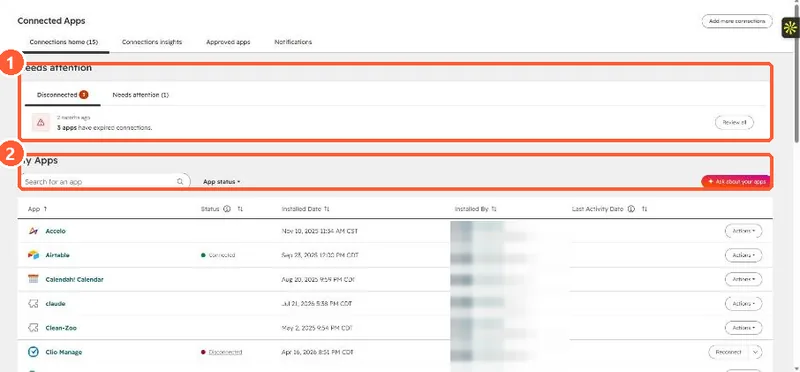
Connected Apps page with a Needs attention panel showing disconnected apps and the My Apps list
Needs attention (1) and installed apps (2).

2. Pick a source of truth

Decide which system owns each field, then set its rule to match.

3. Related

Sync errors.

Sources

New field notes by email

One email when a new article publishes.

Still stuck?

If this did not fix it, the problem is probably specific to your setup. Book a call and we will look at it together.

Book a call with Sam