Short answer
The message means the editor found no drag and drop area it can use. Three causes I have seen: the template has no dnd_area, it extends a layout file by a path that does not resolve, or its dnd_column widths overlap so HubSpot rejects the area. Fix the template, then create a fresh page. A draft page that was created while the template was broken can stay empty even after you fix it.
1. Start with a fresh page
A community bank's editor kept throwing this error on the blank start from scratch page. The template was fine and it did contain a dnd_area. Their two new drafts had empty layout data, while an older page built from the same template worked. HubSpot's blank page should show an empty main section with a drop zone. The real fault signal was the editor failing to load its content. Create a new page from Website pages or Landing pages using the Create button and test again.
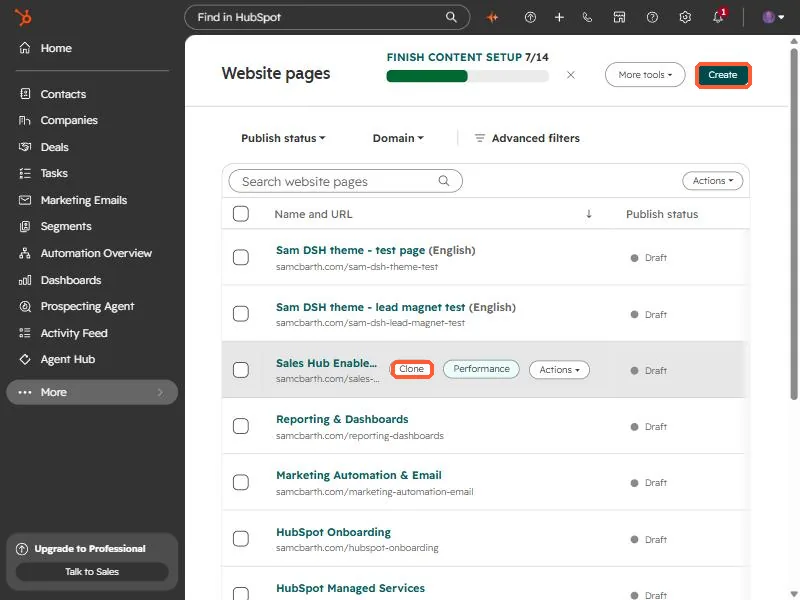
If a clone of a known good page works and a new blank one does not, the template is the problem.
2. Cause one: no drag and drop area
The template needs at least one area where modules can live:
{% dnd_area "main" %}
  {% dnd_section %}
    {% dnd_column %}
      {% dnd_row %}{% end_dnd_row %}
    {% end_dnd_column %}
  {% end_dnd_section %}
{% end_dnd_area %}
3. Cause two: a broken extends path
Templates that extend a layout by relative path break when copied out of their theme. See coded template missing from the picker. Point the path at the real file, or use an absolute Design Manager path.
4. Cause three: overlapping columns
I hit this one building a custom theme. Two hero columns each took the whole row width, so they overlapped. HubSpot rejected the area and the editor showed only the header and footer. Give each column a width and an offset that add up to twelve:
{% dnd_column width=6, offset=0 %} ... {% end_dnd_column %}
{% dnd_column width=6, offset=6 %} ... {% end_dnd_column %}
After re-uploading, a new page from the template reported all its modules. Pages created while the template was broken may need recreating.