Short answer
Custom code actions run Node.js by default. Properties come in through event.inputFields, and callback({ outputFields }) returns values that later actions can use, for example with Edit record. Keep tokens in secrets. HubSpot's docs say that to have a rate-limited call retried, you must throw the error in your catch block. Logs are in the workflow's action logs.
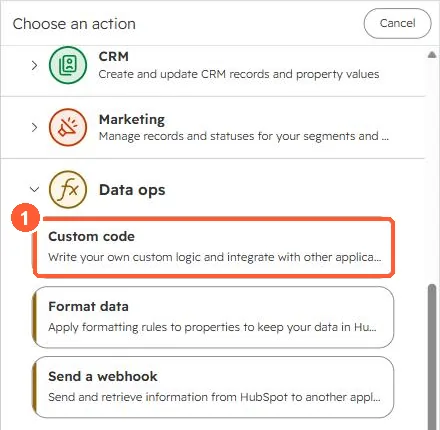
1. Where it is
2. The shape of the code
exports.main = async (event, callback) => {
  const email = event.inputFields['email'];
  try {
    // call another system here
    callback({ outputFields: { domain: email.split('@')[1] } });
  } catch (err) {
    // throw so HubSpot retries rate-limited calls
    throw err;
  }
};
3. Practical notes
- Inputs and outputs are typed fields in the action panel. Declare outputs so other actions can see them.
- Swallowing errors means no retry and a silent success.
- Agent Hub workflows also support custom code. See agentic workflows.