Quick tipHow toSmart CRM

Use if/then branches in workflows

Up to 20 branches.

Subscription
Professional or Enterprise; random split Marketing Hub Pro+
Permissions
Edit workflows
Time
2 min · Intermediate
Last verified

Short answer

HubSpot's KB: up to 20 branches per if/then action. Random distribution by percentage needs Marketing Hub Professional or Enterprise. A Value equals branch on a multi-checkbox with several values goes to None met.

1. In HubSpot

The relevant screen in my demo portal.
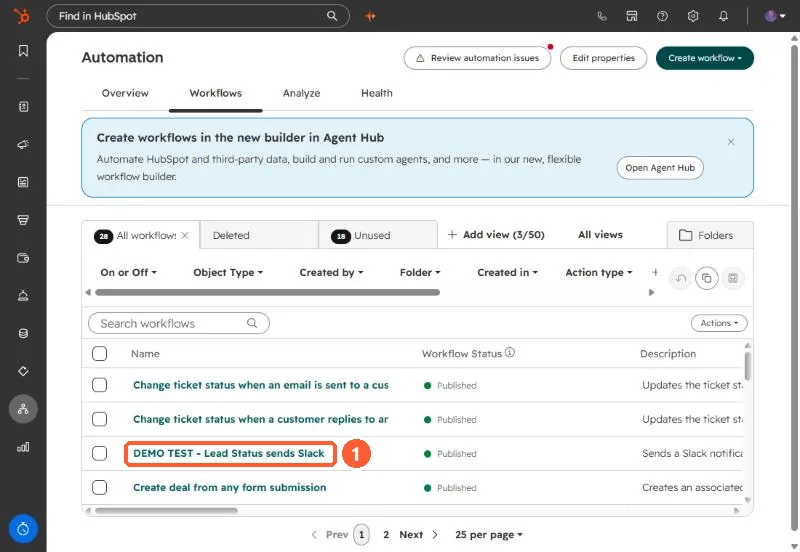
HubSpot Automation Workflows list with one contact-based workflow name highlighted
Open the workflow from the Workflows tab.

2. Worth knowing

Always decide what None met should do.

3. Related

Action sets and workflow settings.

Sources

New field notes by email

One email when a new article publishes.

Still stuck?

If this did not fix it, the problem is probably specific to your setup. Book a call and we will look at it together.

Book a call with Sam