Quick tipHow toSmart CRM

One contact, several email addresses

A contact can hold more than one email. The primary one does most of the work.

Subscription
All tiers
Permissions
Contact edit access
Time
3 min · Beginner
Last verified

Short answer

HubSpot's KB: add extra emails on the record, by import, or in the Android app. Set the main address as primary, because HubSpot tools reference it first and Salesforce syncs only the primary. Imports can add emails (separate several with semicolons) but can't set the primary. Bounces and unsubscribes belong to an address, not a contact.

1. The record

A contact record in my demo portal.
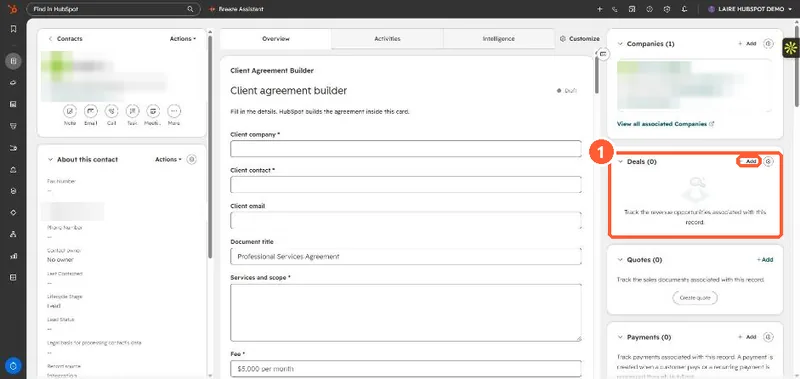
Contact record with the About section and right sidebar cards
The record (1).

2. Merges

Merging contacts keeps both addresses. See merging records.

3. Related

Two contacts, one email.

Sources

New field notes by email

One email when a new article publishes.

Still stuck?

If this did not fix it, the problem is probably specific to your setup. Book a call and we will look at it together.

Book a call with Sam