Short answer
HubSpot's KB: the setting is off by default, allowing all 2FA methods. It limits methods for browser logins only, not the mobile app. Users with a method that's no longer approved can log in once, then are prompted to set up an approved one.
1. In HubSpot
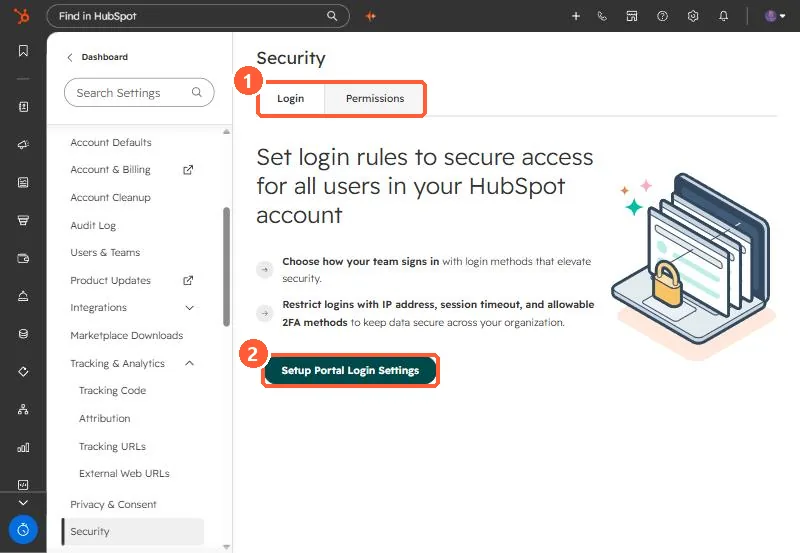
The relevant screen in my demo portal.
2. Worth knowing
Warn users before changing it so the next login isn't a surprise.
3. Related
Login security and 2FA lockouts.