Quick tipHow toContent Hub

Add anchor links to a long page

Jump links to a section on the same page.

Subscription
All tiers with pages
Permissions
Edit access to the content
Time
2 min · Beginner
Last verified

Short answer

HubSpot's KB: anchor names must start with a letter and use only letters, numbers, hyphens, underscores, colons and periods. Anchor links on CTAs need Track clicks through the browser selected. HubSpot doesn't recommend anchors in emails because some clients don't support them.

1. In HubSpot

The relevant screen in my demo portal.
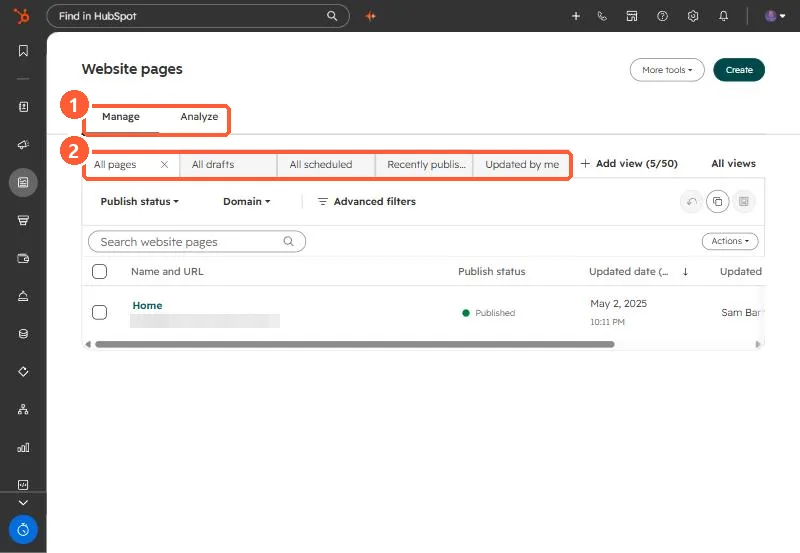
Website pages list with Manage and Analyze tabs, saved views, publish status and domain filters
Manage and Analyze tabs (1) and saved views (2).

2. Worth knowing

Use short, readable anchor names; they show in the URL when someone shares the link.

3. Related

Exporting content.

Sources

New field notes by email

One email when a new article publishes.

Still stuck?

If this did not fix it, the problem is probably specific to your setup. Book a call and we will look at it together.

Book a call with Sam