Short answer
HubSpot's KB: to add a document to an email, page or blog post, insert a link to the file in any rich text editor. Choose Link to > File, then pick or upload the document in the files tool.
1. The editor
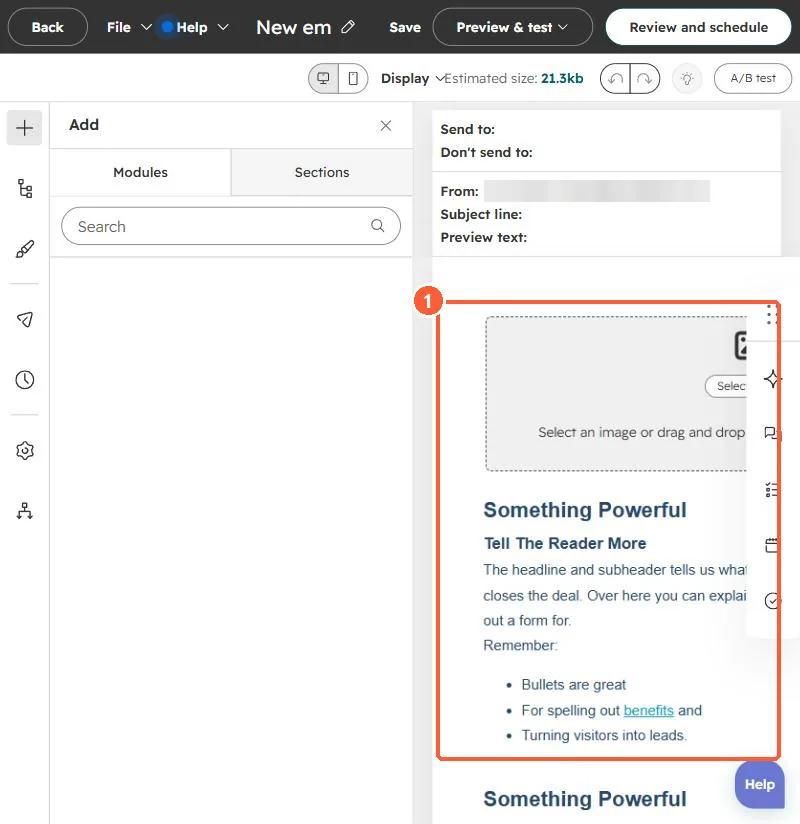
The email body in my demo portal.
2. Gate it
To capture details first, link to a landing page with a form instead.