Short answer
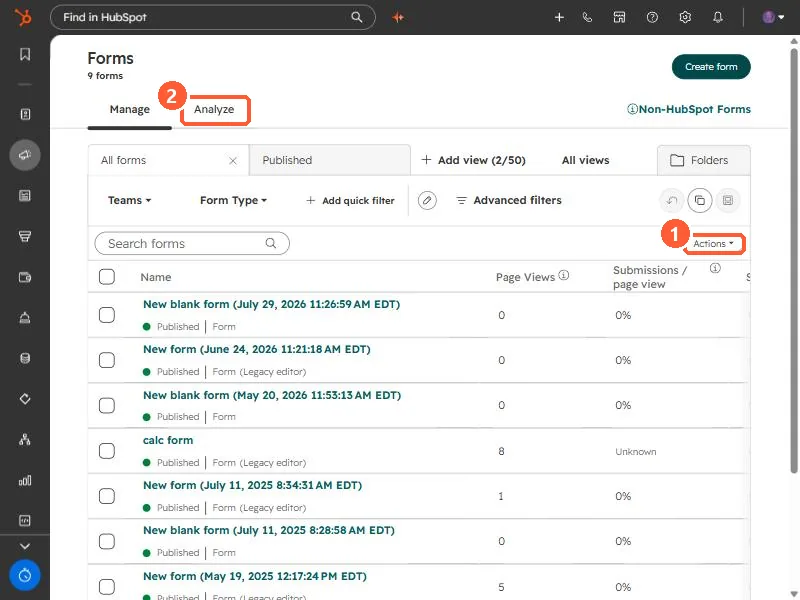
HubSpot's KB: export submissions from the forms index or from a specific page. You'll get an email with a download link; the file includes the form fields, conversion date and conversion page. Exporting submissions for a specific landing or website page needs Marketing Hub Professional or Enterprise.
1. The forms list
My demo portal has nine forms; several are labeled Legacy editor.
2. Gated downloads
For a download after submitting, use the form's thank-you message or redirect to the file.