Quick tipHow toCommerce Hub

Automated sales tax on HubSpot payments

Revenue Hub Professional or Enterprise; US or Canada with HubSpot payments.

Subscription
Revenue Hub Professional or Enterprise
Permissions
Super Admin for payment settings
Time
3 min · Intermediate
Last verified

Short answer

HubSpot's KB: automated sales tax needs Revenue Hub Professional or Enterprise. With HubSpot payments, your business must be in the US or Canada. Rates use the customer's billing address; with Stripe, set a tax election in Stripe for local taxes. With it on, each line item needs a unique name. Discount codes don't work on links with automated tax.

1. Payments

Payment setup in my demo portal.
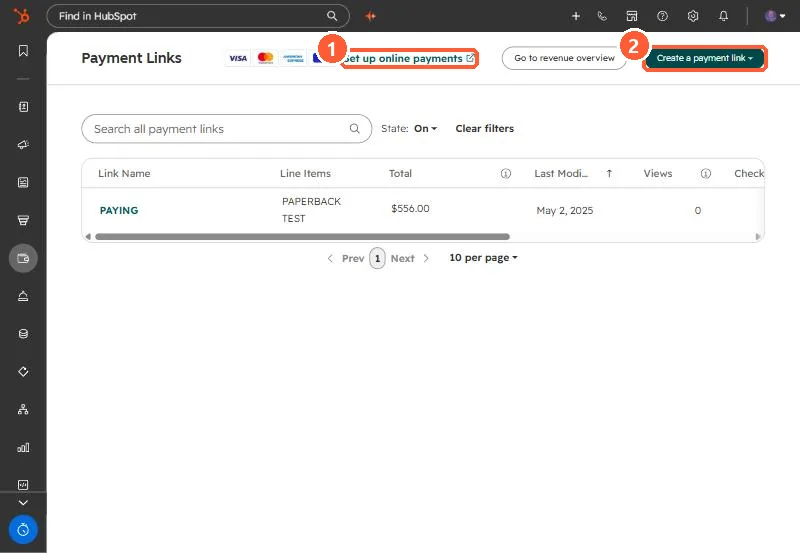
Payment Links list with Set up online payments link and Create a payment link button
Set up online payments (1) and Create a payment link (2).

2. Discounts

See discount codes.

3. Related

Payment links.

Sources

New field notes by email

One email when a new article publishes.

Still stuck?

If this did not fix it, the problem is probably specific to your setup. Book a call and we will look at it together.

Book a call with Sam