Short answer
Contacts subscribe at a chosen frequency and get an email when posts publish. HubSpot's KB says a subscription form won't appear on a published post unless at least one subscription email for that blog is published. Each contact's frequency is stored in the [Your Blog] Email Subscription property, which you can bulk edit or import. Blog subscription emails count toward your email send limit.
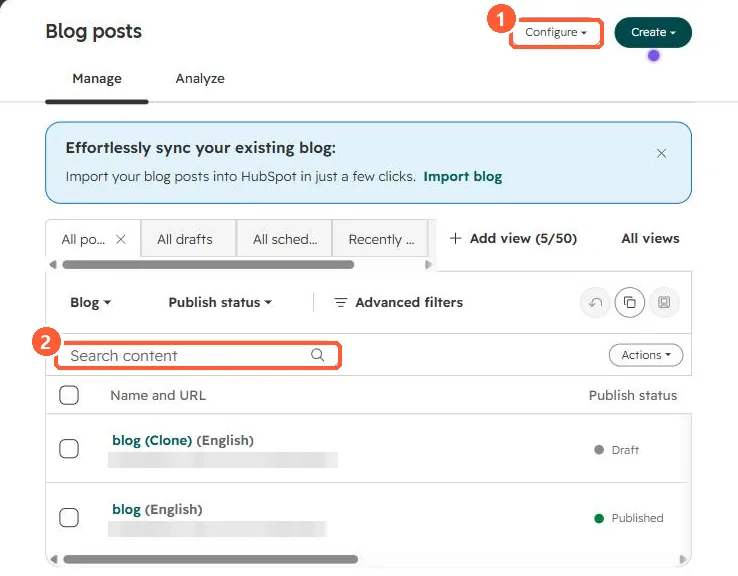
1. Start from the blog
The blog tool in my demo portal. Subscription emails and frequencies are managed in the blog's settings.
2. Subscribers
- Segment subscribers by filtering on the Email Subscription property value.
- Change frequency for many contacts with a bulk edit or import.
3. Related
Blog authors and tags and subscription types.