Quick tipGotchaSmart CRM

Calculation property blank when one input is empty

One empty input blanks the whole equation.

Subscription
Professional or Enterprise
Permissions
Property settings access
Time
3 min · Intermediate
Last verified

Short answer

HubSpot's KB: if any number property in a custom equation has no value, the calculation doesn't run and the result is empty, even with a constant in the equation. Use if with is_known to substitute 0.

1. The equation

A custom equation in my demo portal.
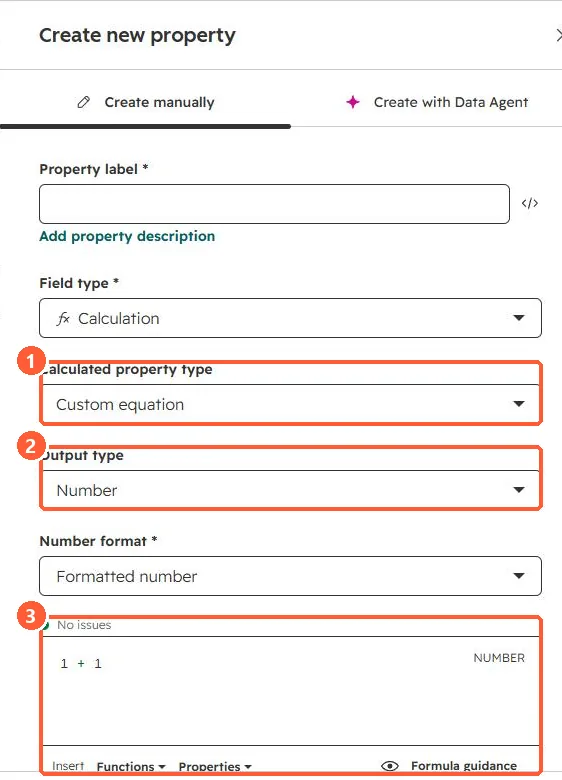
Calculation property settings with Custom equation, Output type Number, Formatted number and a formula editor
Type (1), output (2), and the formula editor (3).

2. The pattern

if(is_known([properties.number]), [properties.number], 0)

3. Related

Calculation properties.

Sources

New field notes by email

One email when a new article publishes.

Still stuck?

If this did not fix it, the problem is probably specific to your setup. Book a call and we will look at it together.

Book a call with Sam