Quick tipHow toService Hub

Connect a calling app channel to help desk

Aircall is the only app available.

Subscription
Check your subscription
Permissions
Help desk settings
Time
2 min · Intermediate
Last verified

Short answer

HubSpot's KB: go to Inbox & Help Desk > Help Desk > Channels and connect a calling app; Aircall is the only one available now. Inbound calls ring in the app in your browser. Add channel operating hours.

1. In HubSpot

The relevant screen in my demo portal.
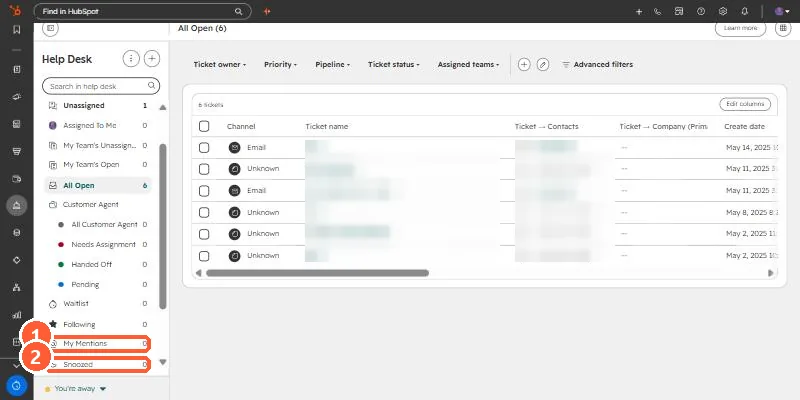
Help desk workspace with views including My Mentions and Snoozed; ticket names blurred
My Mentions (1) and Snoozed (2).

2. Worth knowing

Set operating hours so after-hours calls route as expected.

3. Related

HubSpot phone numbers.

Sources

New field notes by email

One email when a new article publishes.

Still stuck?

If this did not fix it, the problem is probably specific to your setup. Book a call and we will look at it together.

Book a call with Sam