Quick tipHow toMarketing Hub

Campaign contact lifecycle count and cost

Cost uses influenced contacts and spend.

Subscription
Marketing Hub Professional or Enterprise
Permissions
Campaign permissions
Time
2 min · Intermediate
Last verified

Short answer

HubSpot's KB: Contact lifecycle count shows influenced contacts per stage. Contact lifecycle cost divides campaign spend by that count. Revenue reports need Professional; revenue attribution needs Enterprise.

1. In HubSpot

The relevant screen in my demo portal.
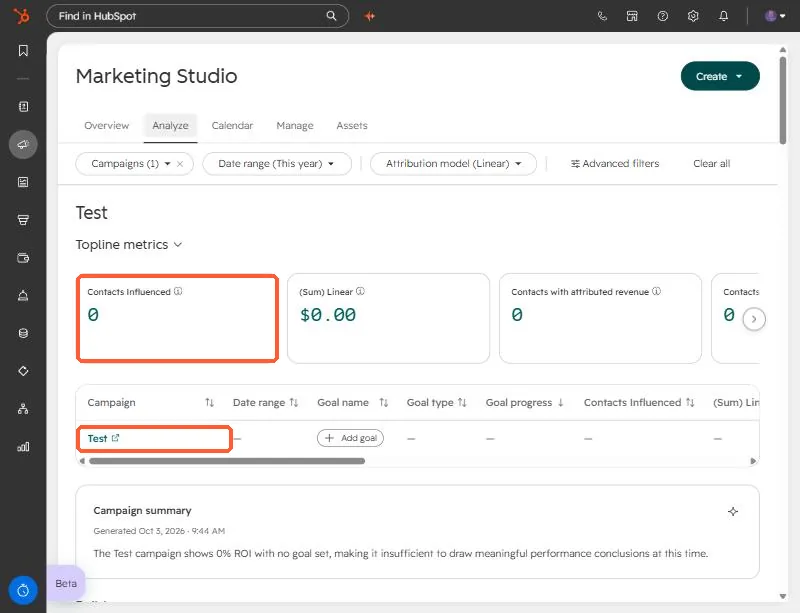
Marketing Studio Analyze tab for a demo campaign with Contacts Influenced of 0 highlighted
Analyze tab. The demo campaign is empty, so the number is 0.

2. Worth knowing

Enter spend, or cost reports stay empty.

3. Related

Campaign metrics and influenced contacts.

Sources

New field notes by email

One email when a new article publishes.

Still stuck?

If this did not fix it, the problem is probably specific to your setup. Book a call and we will look at it together.

Book a call with Sam