Short answer
HubSpot's KB: paid subscriptions can be downgraded or canceled at the end of the commitment term, and you can delete the account only once no subscription is still active. Free tools, Developer and Template Marketplace provider accounts can be deleted without canceling anything. Deleting needs Super Admin or Billing admin permissions.
1. Account settings
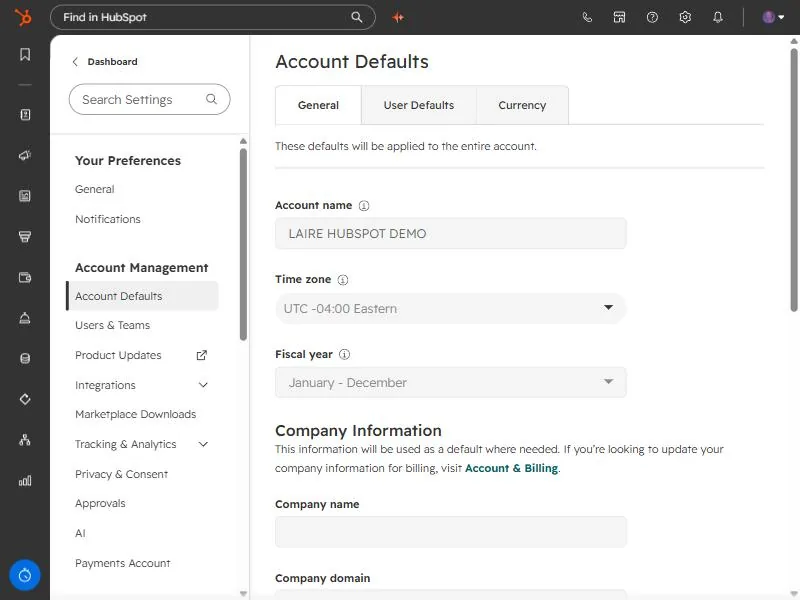
Account settings in my demo portal. Billing lives under Account & Billing in the same menu.
2. Before deleting
- Export the records you need.
- Deletion can't be undone, so check with everyone using the account.