Short answer
HubSpot's KB: in the content editor's settings, edit the URL slug and pick the domain; only primary and secondary domains set up for that page type are listed. Blog and knowledge base roots are changed in their own settings. Language variations use a language-specific slug. After a URL change, add a redirect from the old URL.
1. Domain and URL settings
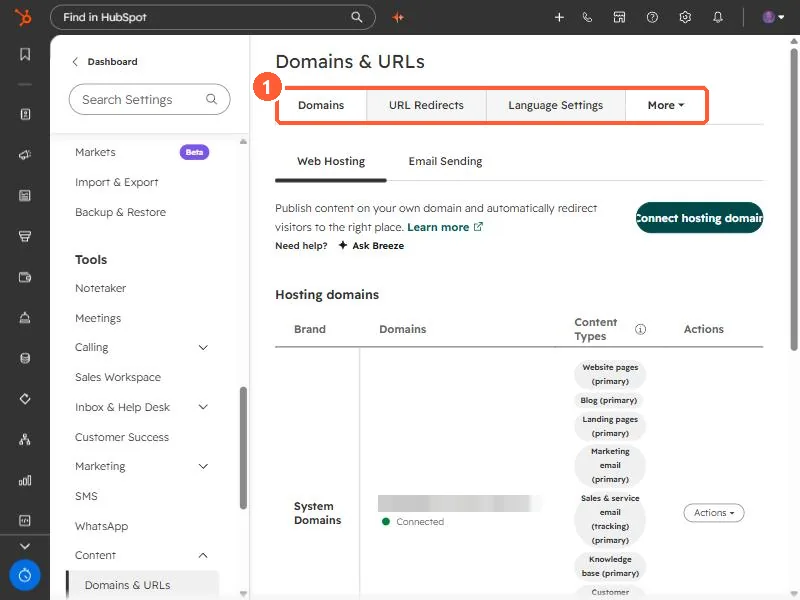
Domains & URLs in my demo portal, where redirects and language settings also live.
2. Redirect the old URL
See URL redirects.