Short answer
HubSpot lets you create language variations of a page so localized versions stay linked. The developer docs say a new variation is a copy of the source page's draft. To make another variation the main page, use Actions > Convert to language group primary. For headers and footers in global content, create language variations in the global content editor.
1. Start in the pages list
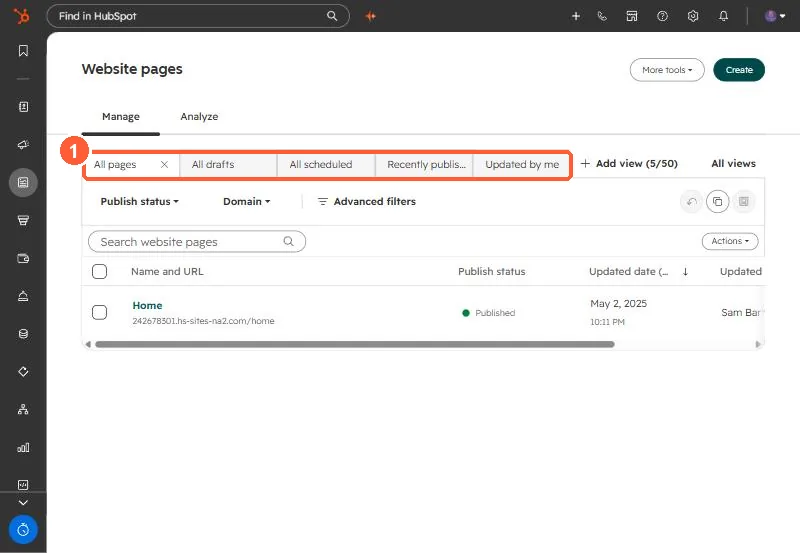
Variations are created from a page's options in the pages list. My demo portal:
2. Things to plan
- Translate global content too, or translated pages keep the original header.
- Decide URL structure per language before publishing.
3. Related
CRM data translations and global modules.