Short answer
HubSpot's KB: a working install shows the sprocket icon in the Chrome bar and in Gmail. Extensions are tied to a Chrome profile, so installing in one profile won't show it in another. Update to the latest version as a first step.
1. In HubSpot
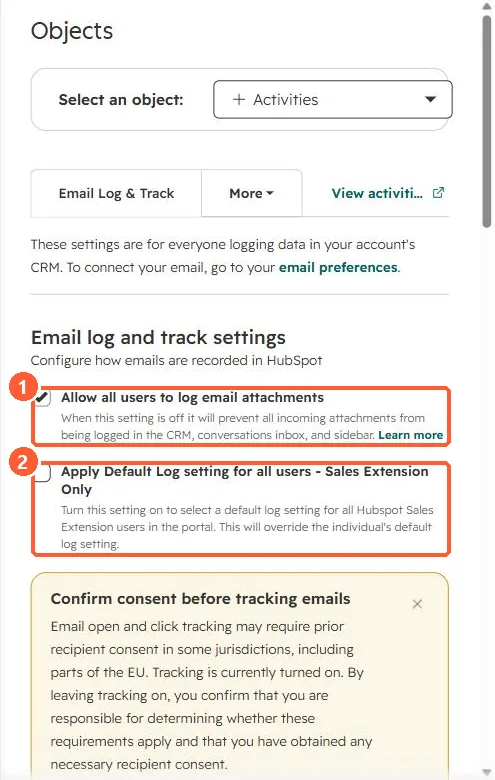
The relevant screen in my demo portal.
2. Worth knowing
Ask which Chrome profile the user is signed into before anything else.
3. Related
Sales extension and its settings.