Short answer
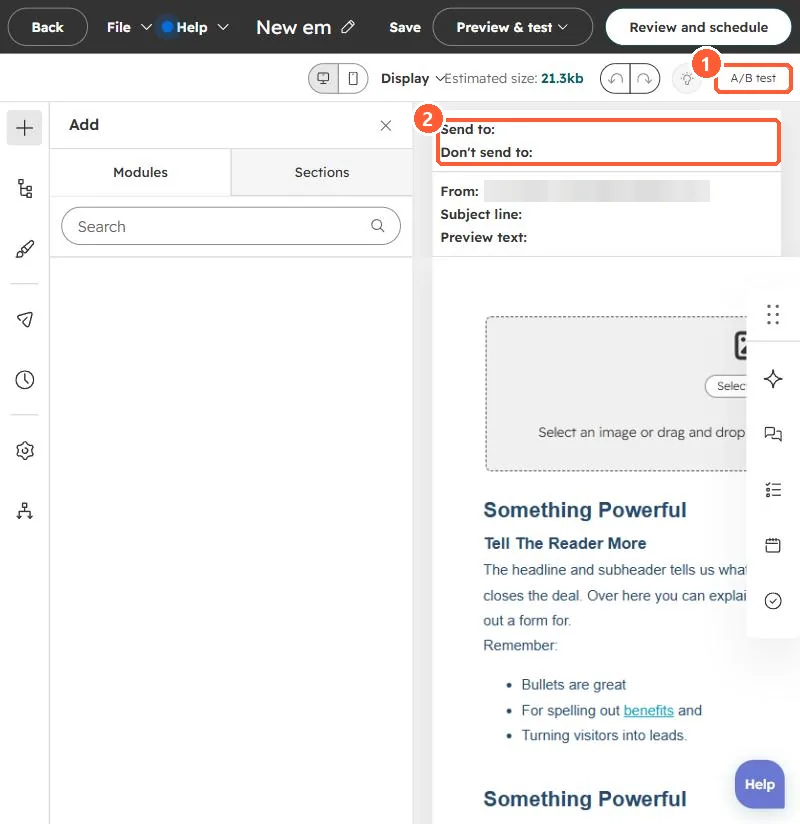
Click A/B test in the email editor to create a second version. In How many recipients should receive the A/B test, set a percentage. That share gets versions A and B; HubSpot's KB says all other recipients receive the winning version. Change one thing per test so you know what made the difference. It needs Marketing Hub Professional or Enterprise.
1. Where to start it
The A/B test button sits at the top right of the email editor in my demo portal.
2. Keep the test clean
- One change per test: subject line, preview text, or a single block.
- A small list split in half gives noisy results. Larger sends give clearer winners.
- For subject-line ideas without a test, see the email Analyze tab.
3. Related
Pages have their own testing in adaptive page tests.