Short answer
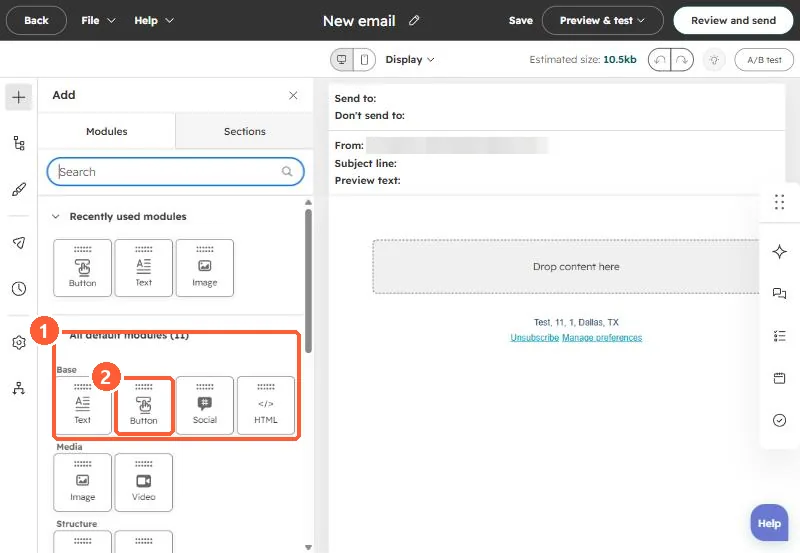
HubSpot's KB: drag the Social module into a drag and drop email. In Marketing Hub Professional or Enterprise it includes accounts connected to the social tool by default; otherwise it uses a default set of icons. Reorder by dragging.
1. In HubSpot
The relevant screen in my demo portal.
2. Worth knowing
Remove networks you don't actively post to.
3. Related
Email modules and connected social accounts.