Short answer
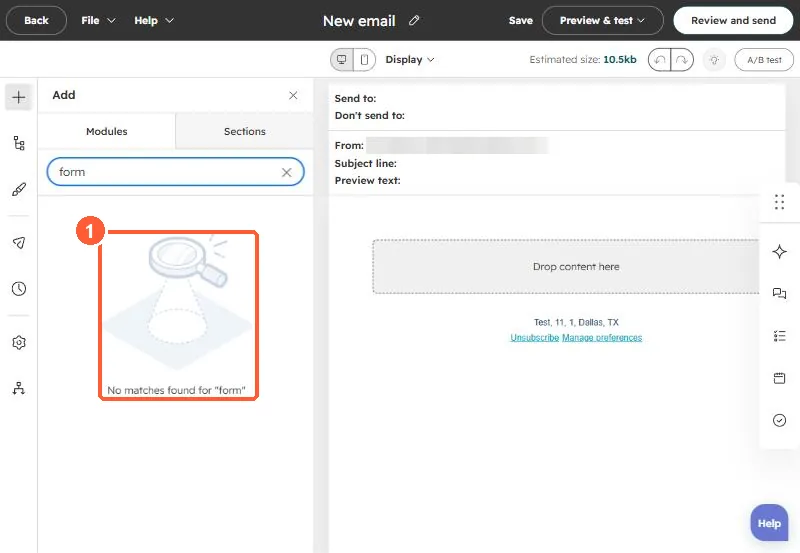
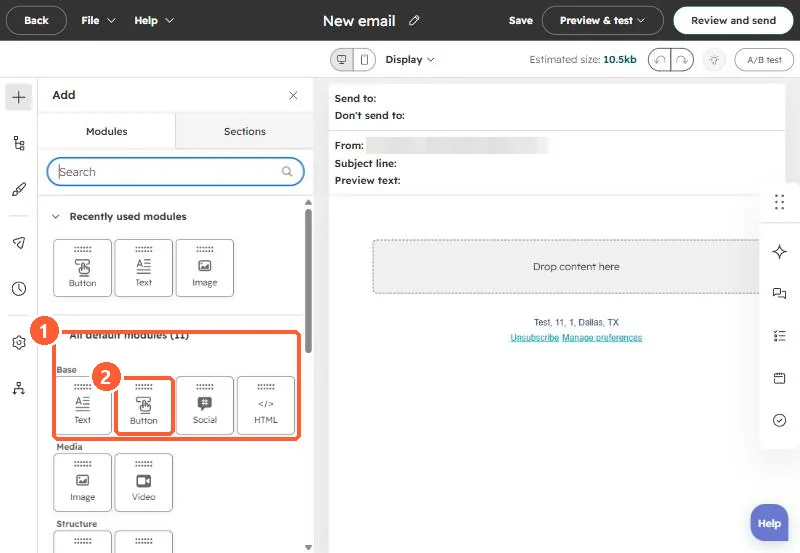
HubSpot's forms FAQ says it is not possible to embed HubSpot forms in emails, because forms are not supported across common email clients for security reasons. Use a CTA or a button linking to a landing page with the form. In my demo, searching the email editor's modules for "form" finds nothing. For a healthcare practice we linked to a form, and replaced plain calendar links in follow-up emails with discovery forms that captured details a booking link would not, such as a child's date of birth.
1. What HubSpot says
From HubSpot's forms FAQ: it is not possible to embed HubSpot forms in emails. Forms are not supported in emails across common email clients because of security risks. HubSpot suggests a CTA or a link to a landing page with a form.
2. What the editor shows
In my demo's email editor, a search of the modules for "form" returns no matches.
3. What we did instead
The practice wanted to collect details from workshop attendees. We linked from the email to a page with the form. In follow-up emails, the team also replaced direct calendar links with a discovery form, because the form could capture details like a child's date of birth and number of children before a call was booked.
For forms on other sites, see embedding a HubSpot form on an external site.