Quick tipFix itMarketing Hub

Coded emails render differently in Outlook

Set fonts explicitly.

Subscription
All tiers
Permissions
Marketing email edit
Time
2 min · Advanced
Last verified

Short answer

HubSpot's KB: for custom coded emails, adjust image spacing with hspace/vspace or tables. Set font family, size, color and line height, since Outlook adds its own styling. Some Outlook versions show a horizontal line between sections; the KB lists steps.

1. In HubSpot

The relevant screen in my demo portal.
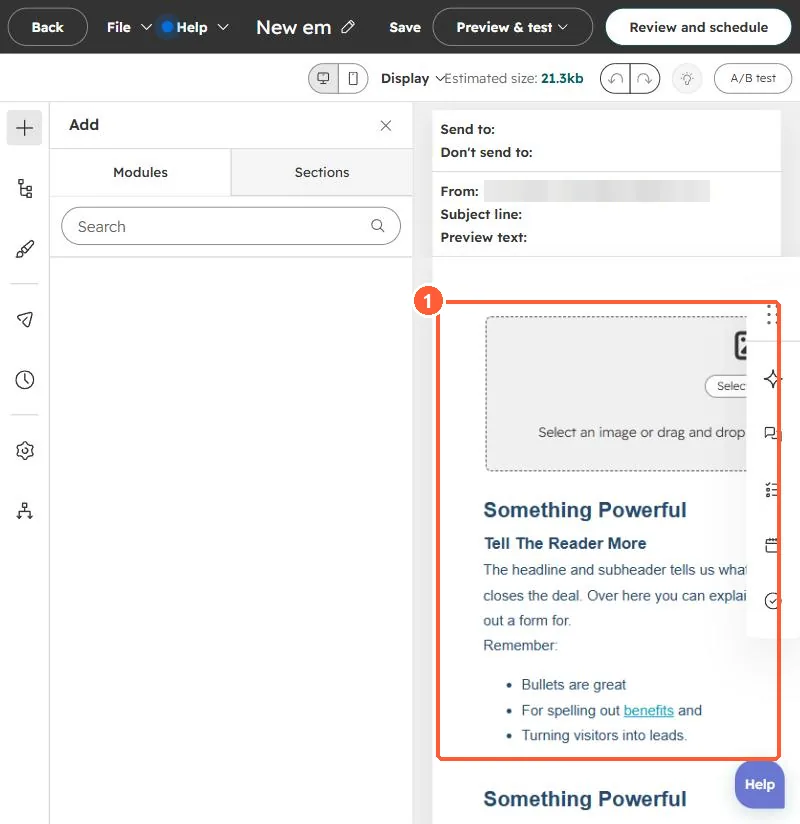
Email editor with the email body containing image and text modules
The email body (1).

2. Worth knowing

Test in the Outlook versions your audience uses.

3. Related

Email client previews and dark mode.

Sources

New field notes by email

One email when a new article publishes.

Still stuck?

If this did not fix it, the problem is probably specific to your setup. Book a call and we will look at it together.

Book a call with Sam