Short answer
HubSpot's developer docs: specify a target CSS selector, otherwise the form is injected after the script; use a separate target per form. HubSpot says forms should only load from its hosted JavaScript; self-hosted copies miss its security, spam and accessibility updates. Embedding the same form twice on a page needs formInstanceId.
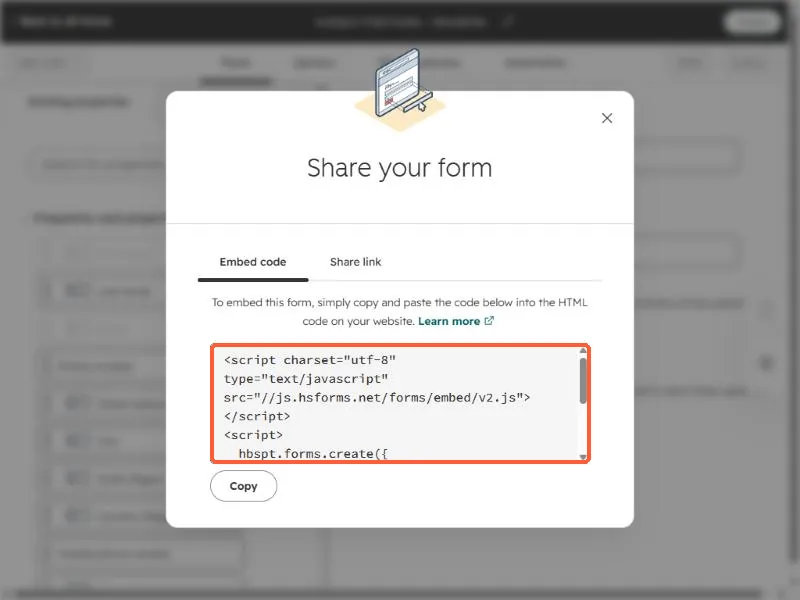
1. Embed code
The embed code tab in my demo portal.
2. The pattern
<div id="hs-form"></div>
<script src="//js.hsforms.net/forms/embed/v2.js"></script>
<script>
  hbspt.forms.create({ region: "na1", portalId: "YOUR_ID", formId: "YOUR_FORM_ID", target: "#hs-form" });
</script>
In React, run the create call after the component mounts, so the target element exists.