Quick tipHow toSales Hub

Enroll many contacts in a sequence at once

Bulk enrollment is capped and throttled, so plan follow-ups after events in chunks.

Subscription
Sales Hub or Service Hub Professional or Enterprise
Permissions
Sequences, Communicate and Bulk enroll permissions
Time
3 min · Beginner
Last verified

Short answer

HubSpot's KB: users with Bulk enroll sequences permission can enroll up to 50 contacts at once. Bulk sends go out at a maximum of three emails per minute and respect your daily send limits, so the last emails can go out later than the first. For a larger list, enroll in batches or use workflow enrollment where your tier allows.

1. Sequences

The sequences tool in my demo portal, before any sequences exist.
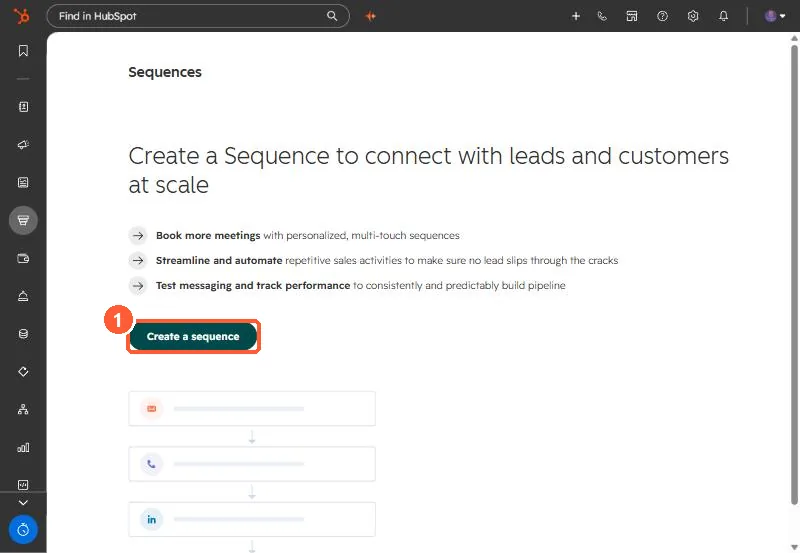
Sequences start screen with a Create a sequence button
Sequences (1).

2. Plan for volume

Sequences are for one-to-one follow up from a rep's inbox. For a large list, a marketing email may fit better.

3. Related

Sequence settings and out of office replies.

Sources

New field notes by email

One email when a new article publishes.

Still stuck?

If this did not fix it, the problem is probably specific to your setup. Book a call and we will look at it together.

Book a call with Sam