Quick tipHow toMarketing Hub

File upload fields in HubSpot forms: size limit and where files go

Collect files with a form, within a 100 MB limit.

Subscription
All tiers
Permissions
Edit forms permission
Time
3 min · Beginner
Last verified

Short answer

HubSpot's KB: the file size limit for a file upload field is 100 MB for both single and multiple file upload fields, and multiple file fields have no limit on file count as long as the total stays within the limit. Uploaded files are stored with the submission and the contact's property. A required field can't be set as hidden.

1. Field types

The Add to form panel in my demo portal; File is further down the list.
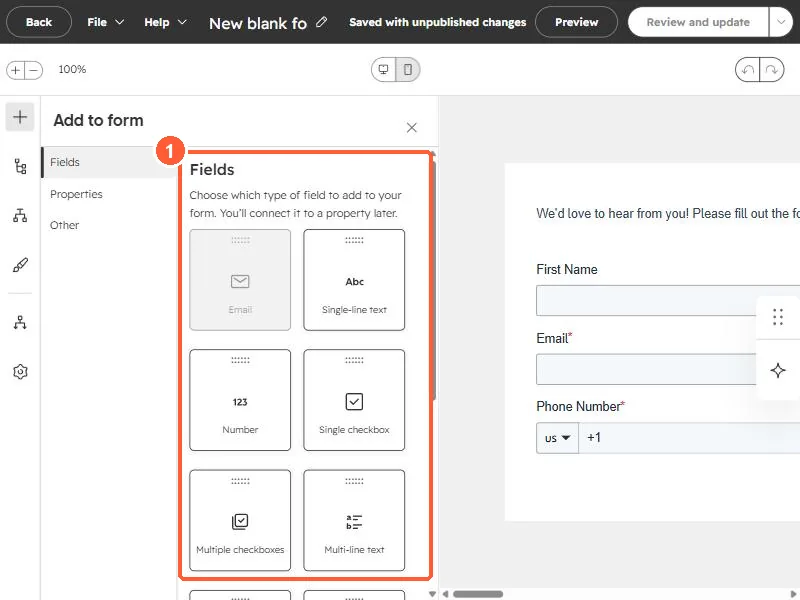
Form editor Add to form panel listing field types
Field types (1).

2. Use it carefully

  • Ask only for files you need.
  • Tell visitors the size limit.

3. Related

Submission notifications.

Sources

New field notes by email

One email when a new article publishes.

Still stuck?

If this did not fix it, the problem is probably specific to your setup. Book a call and we will look at it together.

Book a call with Sam