Quick tipGotchaMarketing Hub

Facebook event codes on HubSpot pages

Tracking code pages get event codes automatically.

Subscription
Check your subscription
Permissions
Ads access
Time
2 min · Intermediate
Last verified

Short answer

HubSpot's KB: HubSpot automatically places Facebook event codes on pages with the HubSpot tracking code. To add your own event codes, install the Facebook pixel manually in your pages' footer HTML.

1. In HubSpot

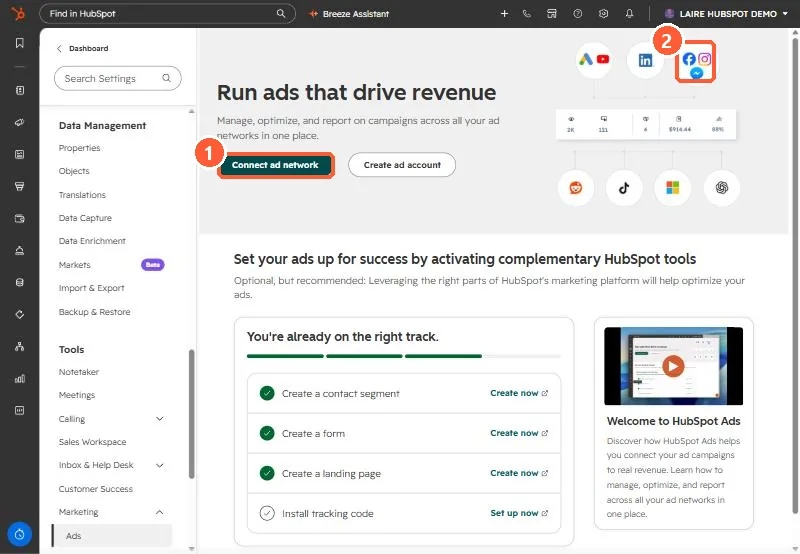
The relevant screen in my demo portal.
Ads settings page with Connect ad network button and ad network icons including Meta
Connect ad network (1) and the Meta icon (2).

2. Worth knowing

Check your privacy notice covers this tracking.

3. Related

Facebook lead ads and ad conversion events.

Sources

New field notes by email

One email when a new article publishes.

Still stuck?

If this did not fix it, the problem is probably specific to your setup. Book a call and we will look at it together.

Book a call with Sam