Short answer
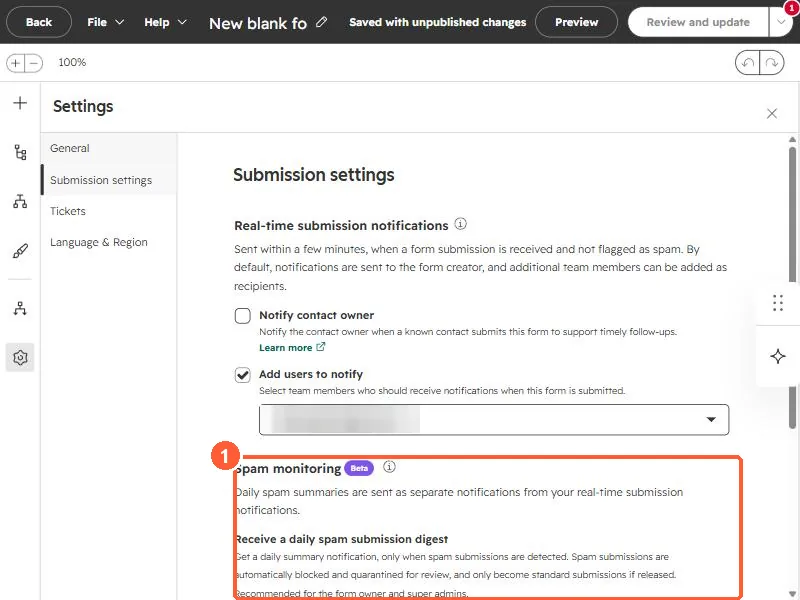
HubSpot's KB: forms use reCAPTCHA v3 for invisible bot detection. In the form editor's left panel under Other form elements, toggle CAPTCHA (spam prevention). You can change spam sensitivity if you see excess spam. In my demo portal, submission settings also include a Spam monitoring beta with a daily spam digest.
1. Spam monitoring
Form submission settings in my demo portal.
2. More spam controls
See account-level form spam settings.