Quick tipGotchaMarketing Hub

Change dropdown options in a form field

Edit the property to add options.

Subscription
All tiers
Permissions
Edit forms and properties
Time
2 min · Beginner
Last verified

Short answer

HubSpot's KB: to add options to checkbox, radio or dropdown fields, edit the property, which updates every form using it. You can limit which options appear on a single form. This article covers legacy forms.

1. In HubSpot

The relevant screen in my demo portal.
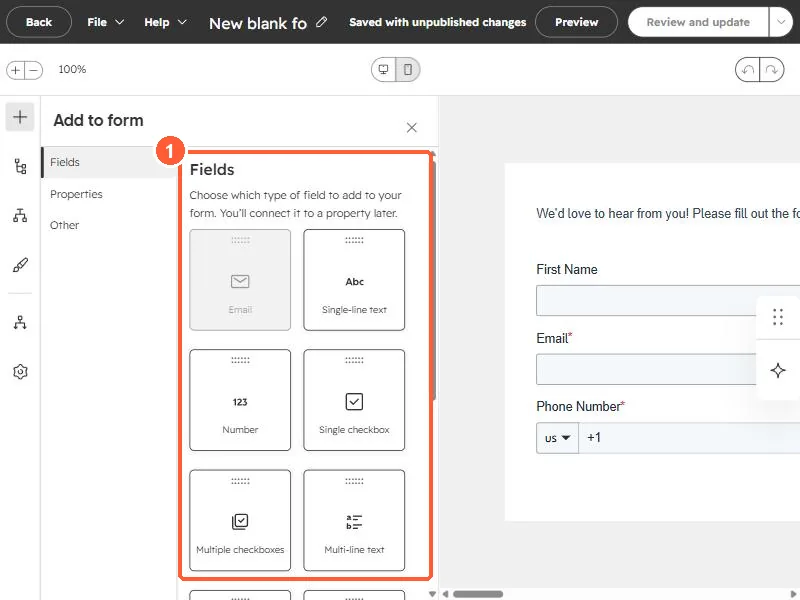
Form editor Add to form panel listing field types
Field types (1).

2. Worth knowing

Removing a property option can affect other forms.

3. Related

Form field layout.

Sources

New field notes by email

One email when a new article publishes.

Still stuck?

If this did not fix it, the problem is probably specific to your setup. Book a call and we will look at it together.

Book a call with Sam