Quick tipHow toMarketing Hub

Arrange form fields side by side

Up to three fields per row.

Subscription
All tiers
Permissions
Edit forms
Time
2 min · Beginner
Last verified

Short answer

HubSpot's KB: in the updated editor, place fields and elements above, below or next to each other, up to three fields side by side. You can also add content between fields. Legacy forms follow a separate article.

1. In HubSpot

The relevant screen in my demo portal.
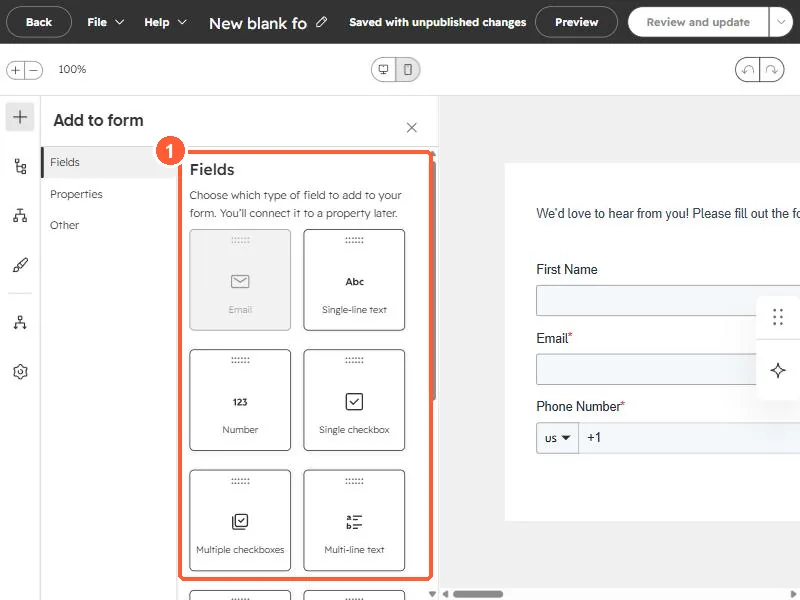
Form editor Add to form panel listing field types
Field types (1).

2. Worth knowing

Check the form on mobile, where side-by-side fields stack.

3. Related

Multi-step forms and form styling.

Sources

New field notes by email

One email when a new article publishes.

Still stuck?

If this did not fix it, the problem is probably specific to your setup. Book a call and we will look at it together.

Book a call with Sam