Short answer
Format data (Data Hub Professional and Enterprise) can capitalize names, calculate values or restructure dates. HubSpot's KB is explicit: the action on its own does not update the record. Its result is an action output, so follow it with Edit record (or Send to Google Sheets) and choose the Format data output as the value.
1. Where it is
In the action picker, under Data ops, in my demo portal. I browsed the picker without adding an action.
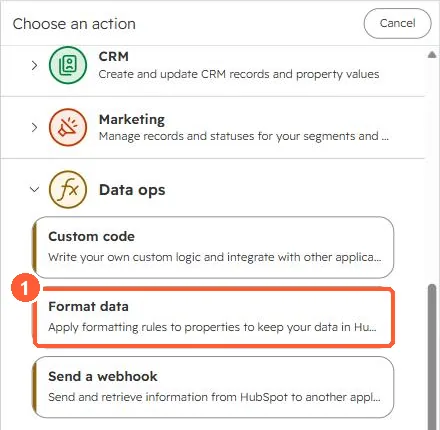
2. The two-step pattern
- Format data: pick the source property and the formatting or custom formula.
- Edit record: same property, value from action outputs, Format data.
3. Related
For phone numbers there is a dedicated action. See phone number validation. For account-wide fixes without workflows, see formatting rules.